Category

Blog

Category

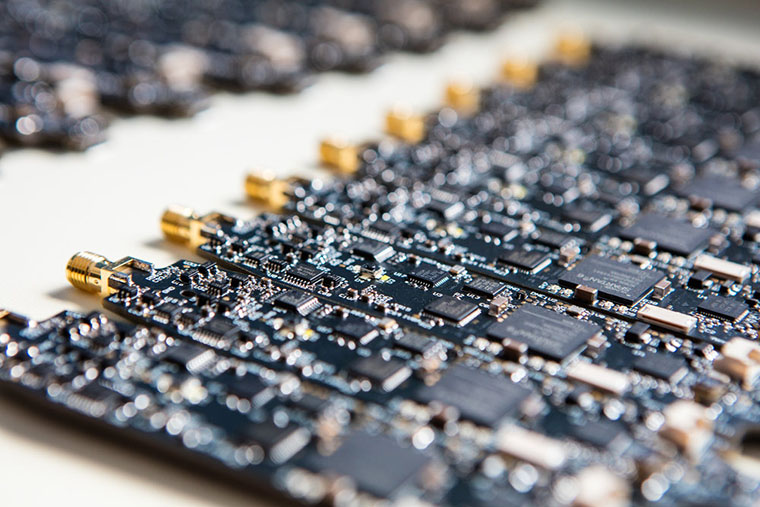
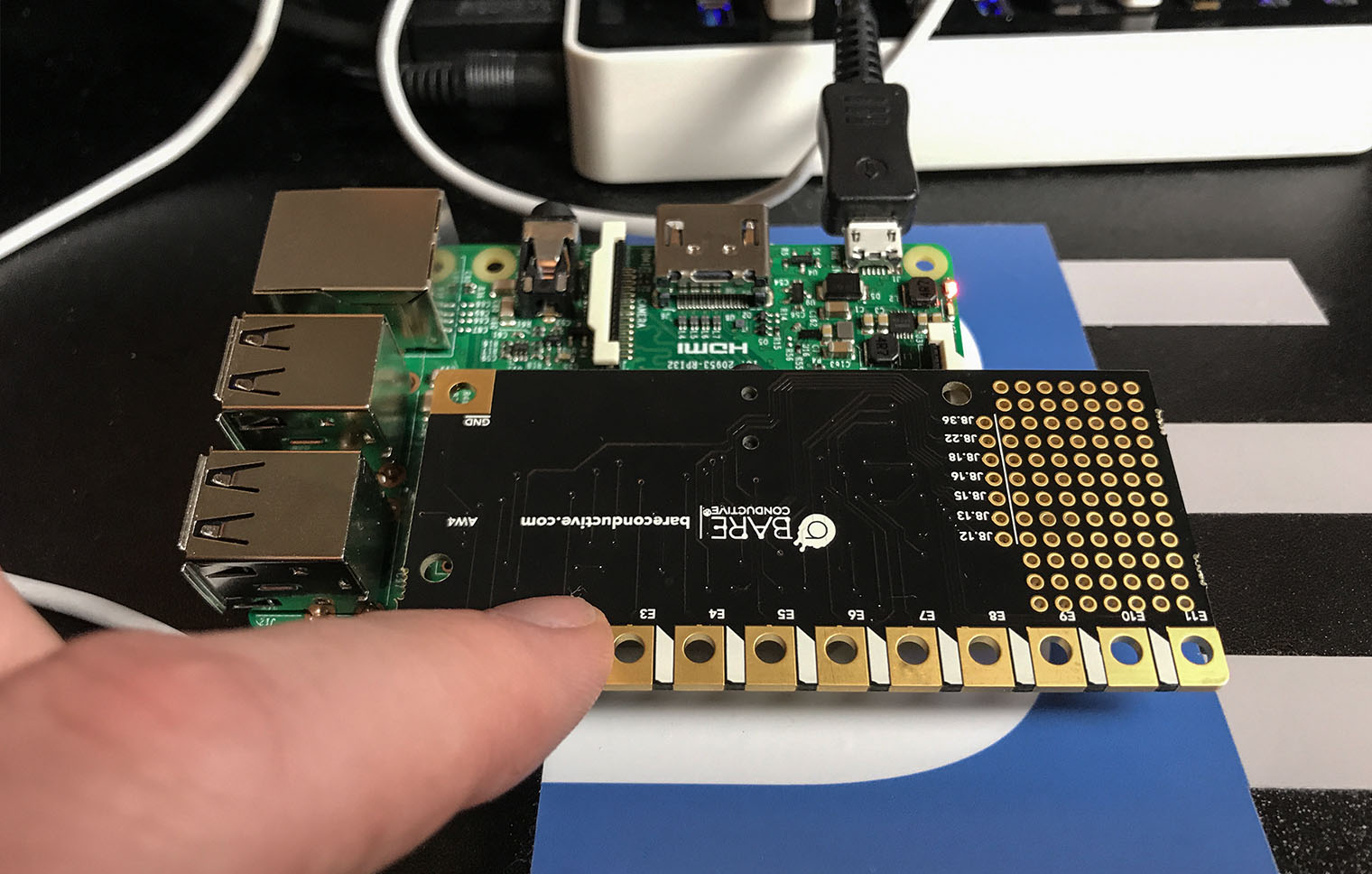
The Pi Cap adds capacitive touch buttons to your Raspberry Pi. Bare Conductive was kind enough to send me one. I do not have a project in mind right now, so here are my first impressions.

What is the Pi Cap?

Arduino tends to call daughter cards shields, while the Raspberry Pi community calls them hats. The Pi Cap is a hat. It plugs into the GPIO header of a Raspberry Pi and provides 13 capacitive touch pads. There is a traditional push button, an LED, and a prototyping area. While the Pi Cap does consume all of the GPIO pins, several are broken out near the GPIO header.

Previously, I reviewed the smartphone DMM, Mooshimeter. It is a great meter. One feature I didn’t spend much time on in my review was the ability to graph. Some see it as an “oscilloscope alternative.” The past couple of weeks, I’ve been using Aeroscope. It is a Bluetooth-based oscilloscope about the size of an older active probe. The Aeroscope runs $199 direct from Aeroscope Labs. The question I address in this Aeroscope review: is it better to buy this, a USB-based, or standalone scope for about the same money. How does it measure up?

My Aeroscope review looks at the specifications, the App that runs it and breaks down the key features. Let’s probe deeper.

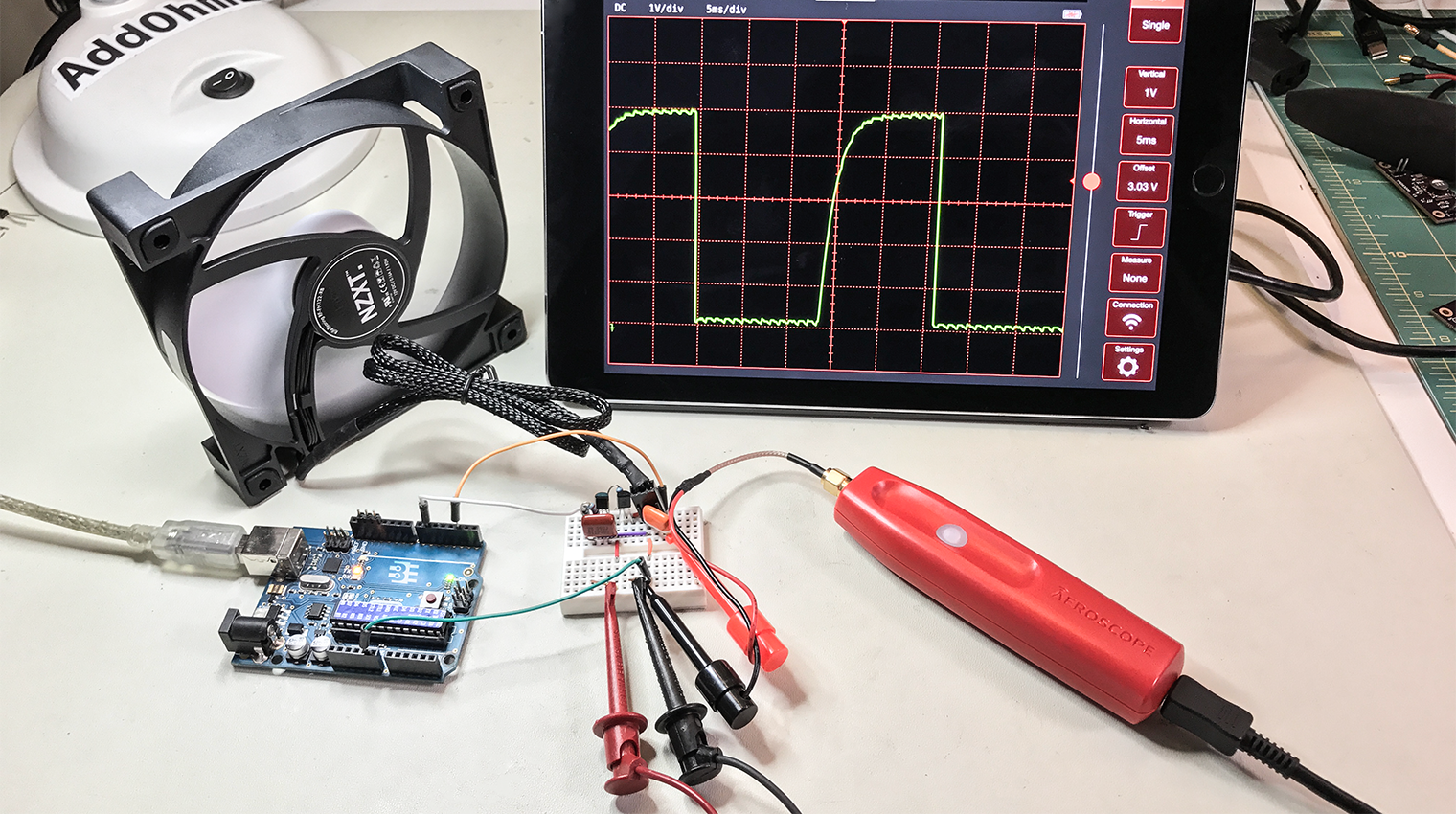
A question came up on IRC regarding how to PWM a 3-pin PC fan with an Arduino using analogWrite(). Controlling the fan was seemingly straightforward. The problem was that the hall effect sensor, or TACH signal, was incredibly noisy. The noise made it impossible to measure the fan’s rotation. Working through the question, I found three issues to tackle:

  1. You need to use a PNP transistor
  2. Filter capacitors help
  3. Create a non-blocking RPM measurement (with millis())

This post addresses all three issues regarding how to PWM a 3-pin PC fan with an Arduino.

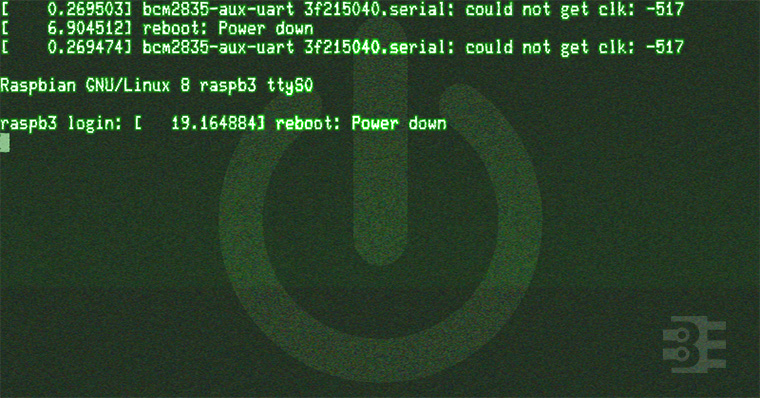
The last couple of weeks I have been making progress and posts on my RetroPie build. I’m putting a Raspberry Pi inside of an actual SNES (well Super Famicom). Part 1 covered the schematic for a Soft Power Controller. In Part 2 I broke down the RPSPC state machine. This 3rd and final post of the series is a Raspberry Pi startup script tutorial. It covers how to make scripts run at startup and shutdown.

When I started researching how to make Raspbian run a script at startup and shutdown, I found a ton of links and questions asking for help. None of them helpful. Why? Because they were wrong. At least, they are now.

/etc/rc.d doesn’t matter!

It turns out, Raspbian Jessie does not use SysV for init (anymore). So it does not matter what you scripts you put in /etc/rc.d. Pretty simple but missed by many!

Here is a correct Raspberry Pi Startup Script Tutorial.

The Key is systemd

Once I started researching how to make systemd do what I wanted, new problems emerged. The syntax for systemd is not as straightforward as I first thought. Thanks to readers, I was pointed towards the RedHat systemd manual. After reviewing it, I was able to create a service that runs at startup and shutdown.

In the end, I was unable to prevent this process from running during reboot. There seem to be some more layers to make sure systemd knows the difference. In the end, I decided it was not necessary to avoid the reboot.

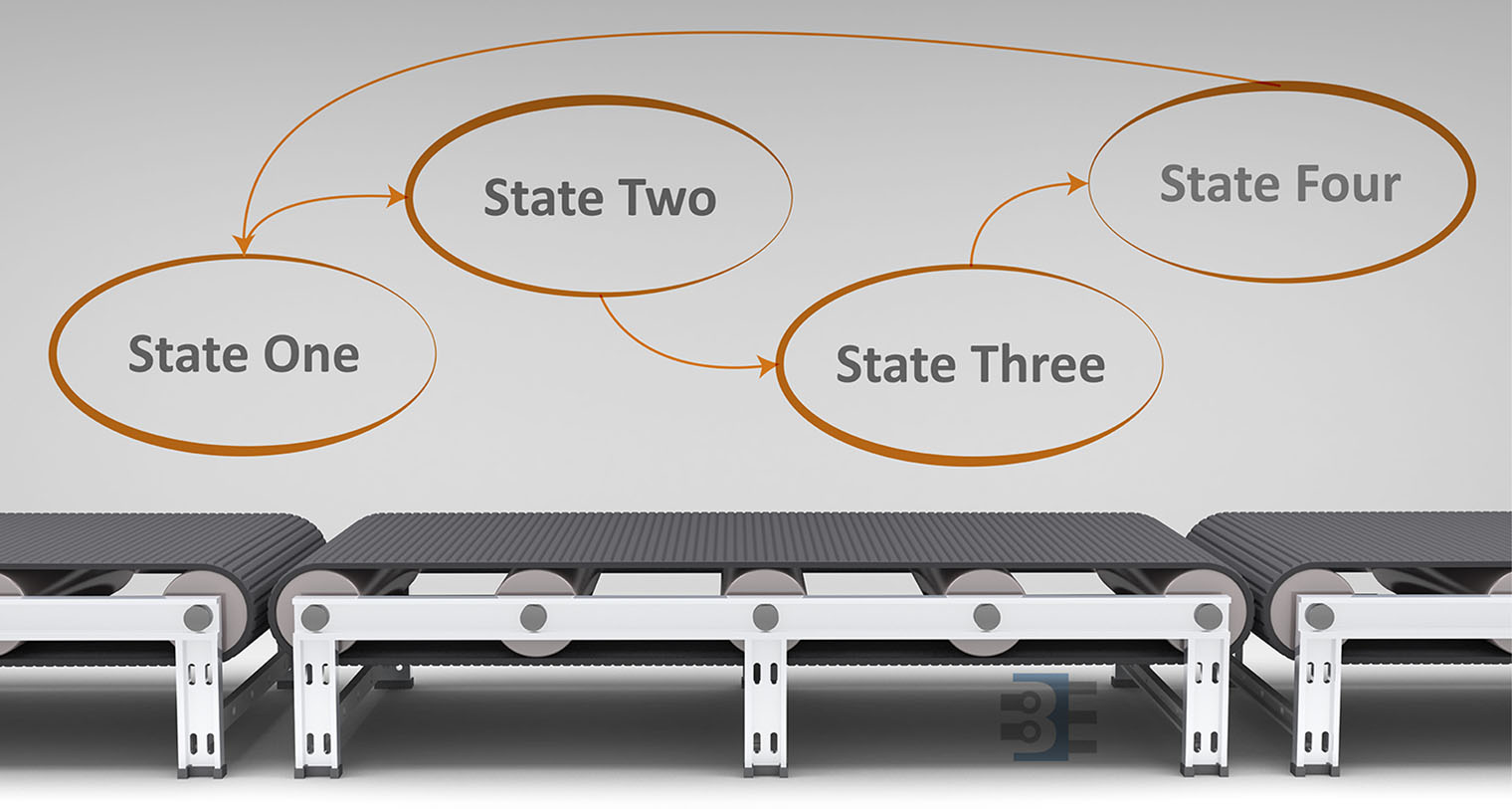
Previously I looked at the hardware needed to build a Raspberry Pi soft power supply. This week I’m looking the state machine for the microcontroller. Why is such a complicated circuit necessary? I am replacing a Super Famicom (SNES) motherboard with the Pi. The trick is, I want to use the original power switch to turn the Pi on and off.

This requirement presents a problem. When the switch goes into the “OFF” position, power needs to stay on long enough for the Pi to properly shutdown. So the switch itself can’t provide power to the Pi directly. With minor changes, the code in this state machine could be made to work with push buttons as well. If I add that feature in the future, I’ll update the code on the RPSPC GitHub project.

Before continuing with the state machine, first I need to thank all the mailing list members. You guys really rock. When I asked for state machine diagraming tool suggestions, you guys sent me enough options for an entire (future) post to compare them.