Category

Blog

Category
The Arduino serial monitor is usable when you want to watch data from an Arduino. However, it does not have a built-in method for saving the data. Here are some ideas if you want to build an Arduino data logger with or without a PC.

Important note on Arduino Data Logger examples

With all of these examples, please remember that whenever you open the Arduino’s serial port, the board will reset. So if your log file shows “Initializing SD card…” with a few data lines in between, it is because there is a reset happening.

Initializing SD card…initialized.
Temp: 34, Time: 03:24:44
Temp: 33, Time: 03:24:45
Temp: 34, Time: 03:24:46
Tem

Initializing SD card…initialized.
Temp: 34, Time: 03:24:50
Temp: 34, Time: 03:24:51
Temp: 33, Time: 03:24:52
Temp: 34, Time: 03:24:53
In that code you can see data logging started and then restarted. What happened is that after programming, the board starts logging. Then when you open the Serial Monitor, the data logger restarts. To solve this issue, either disable auto-reset, add a 3-4 second delay at the start of setup(), wait for a character to be received, or wait for a button press. That will give you time to open the Serial Monitor.

Sending simple serial commands to an Arduino is the easiest way to communicate between an Arduino and a computer. The computer could be a PC, a Raspberry Pi, or any device that communicates with serial. By sending and “decoding” a single character it is easy to add a simple debug menu or even serial menu. Plus, it is easy to extend.

Single Character vs. Full Words

The mistake I see many people make is that they try to send full-text strings as serial commands. For example, to turn on a LED, I have seen (silly) commands like “RED LED ON” or “RED LED OFF.” While you could use something like strcmp(), as I showed on the Multiple MQTT Topics example, that tends to be overkill for most serial commands. Humans like words, computers like binary. Just send one character over serial.

switch (variable) {
  case 'a':
	// A Stuff

  case 'b':
  case 'c':
	// B and C Stuff
  break;
}
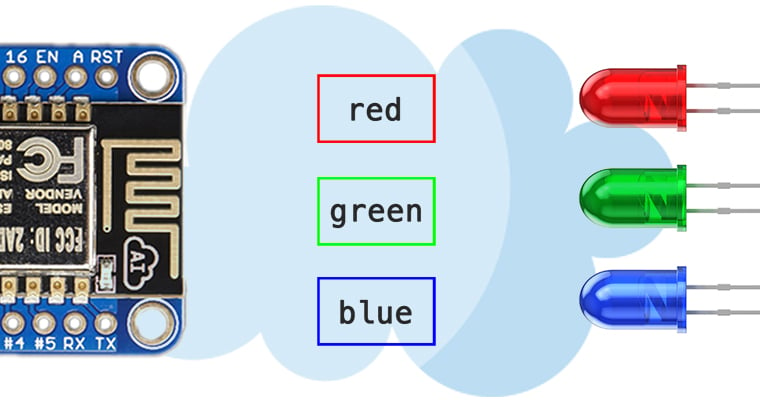
In my Arduino MQTT Examples, I kept things simple by only subscribing to a single topic. One of the strengths of MQTT is that a device can subscribe (or publish) to multiple topics. The broker will sort things out. Even though my first example only showed one, it is straight forward to get the Arduino PubSubClient library to subscribe to Multiple MQTT topics. The quick answer is that you need to look at the MQTT response to find out which topic sent the payload.

tl;dr version

If you’re looking for a quick answer, here’s the magic code we’ll add to the callback() function.

void callback(char* topic, byte* payload, unsigned int length) {
if (strcmp(topic,"pir1Status")==0)
  // whatever you want for this topic
}
Keep reading for a more detailed explanation of how to Subscribe to Multiple MQTT topics with Arduino’s PubSubClient. Obviously, this code will work on Arduino boards with a TCP/IP interface and, of course, the ESP8266 based boards.

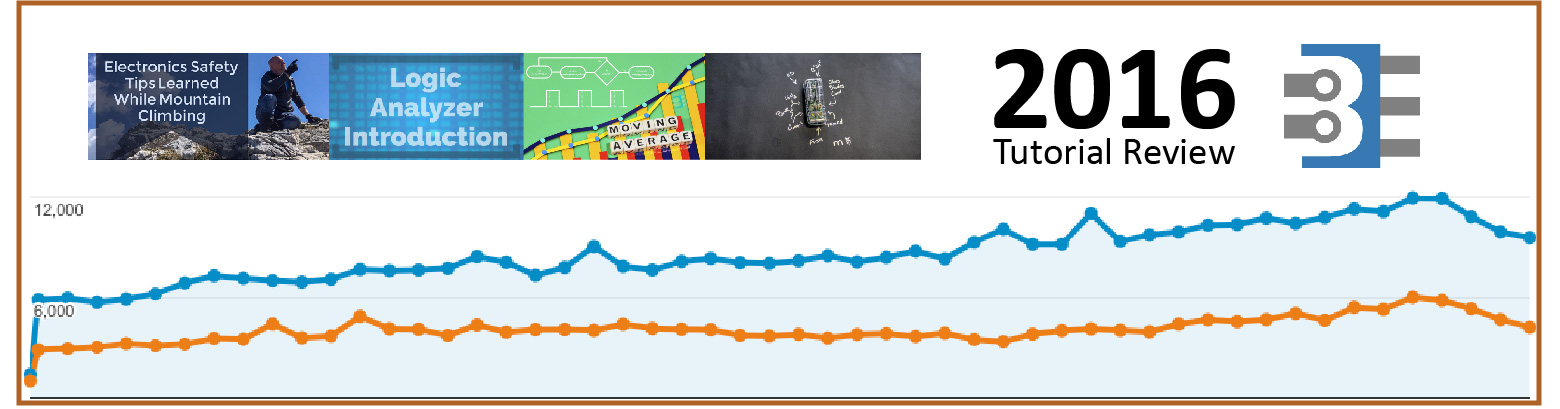
While many want to call 2016 the worst year ever, I feel that is an entirely undeserved title. It certainly could have been a better year, but it wasn’t the worst that I can remember. For the engineering community, both professional and hobbyist, it seems to have been a fantastic year. My gauge for this feeling is the activity on baldengineer.com. In 2016, I saw almost half a million sessions contributing over 1.2 million page views. (That’s 98% more people looking at 313% more tutorials compared to 2015.)

Here’s a breakdown of the most visited pages (tutorials) on the site.

Overall Top 5 Tutorials for 2016

First up is a simple list with the most views, across all content.

  1. MQTT Tutorial for Raspberry Pi, Arduino, and ESP8266
  2. Raspberry Pi GUI Tutorial
  3. millis() Tutorial: Arduino Multitasking
  4. Arduino, how do you reset mills()?
  5. Top 4 transistors for your kit

ArcAttack is a band that performs at the Bay Area Maker Fare, among other places. They feature massive signing Telsa coils. (Here’s a video I show when I saw ArcAttack in 2013.) Singing Telsa coils are awesome. Everyone knows that. Which is why I found when Dianna Cowern, the Physics Girl, visited the band ArcAttack, electromagnets are just as cool. In addition to talking about their music, ArcAttack’s Joe does something amazing. He splits an aluminum soda can with just an electromagnet.

There are a few other neat tricks and some slow-motion stuff too. Near the end, he compresses a quarter with the scariest magnet setup I’ve ever seen. This video is definitely worth watching if you like anything related to Tesla coils–or electricity!