Author

James Lewis

Browsing

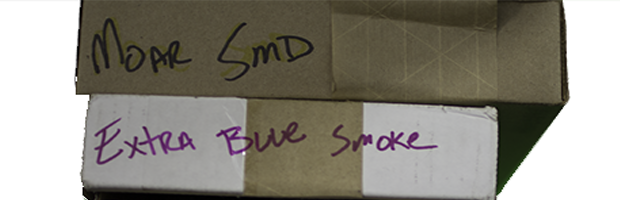
As your electronics hobby grows, so does your parts collection.  Eventually the growing number of Mouser boxes with crudely written labels just won’t cut it.  Also, you’re tired of re-ordering parts you had but forgot about.  Here’s a couple of ways to keep track of your parts like a pro.
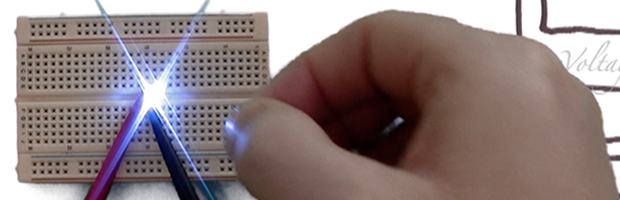
The idea for AddOhms #8 has been around for quite some time.  I’m always trying to find ways to explain why current limiting resistors are necessary.  So while working in the shop one day, I decided to play with some LEDs and a bench-power supply.  Then I decided to record what happens.

It’s been a little quiet on the blog because I spent the last three weeks in Asia.  There’s some electronics enginerd stuff coming next week.  Until then, I hope you’ll excuse this rare off-topic post.  While in Tokyo I saw a number of awesome things and thought I’d share 2 of them:  ASIMO at the Miraikan Museum and  a dinner show at the Robot Restaurant.  Click Read More to check out some pictures and videos.

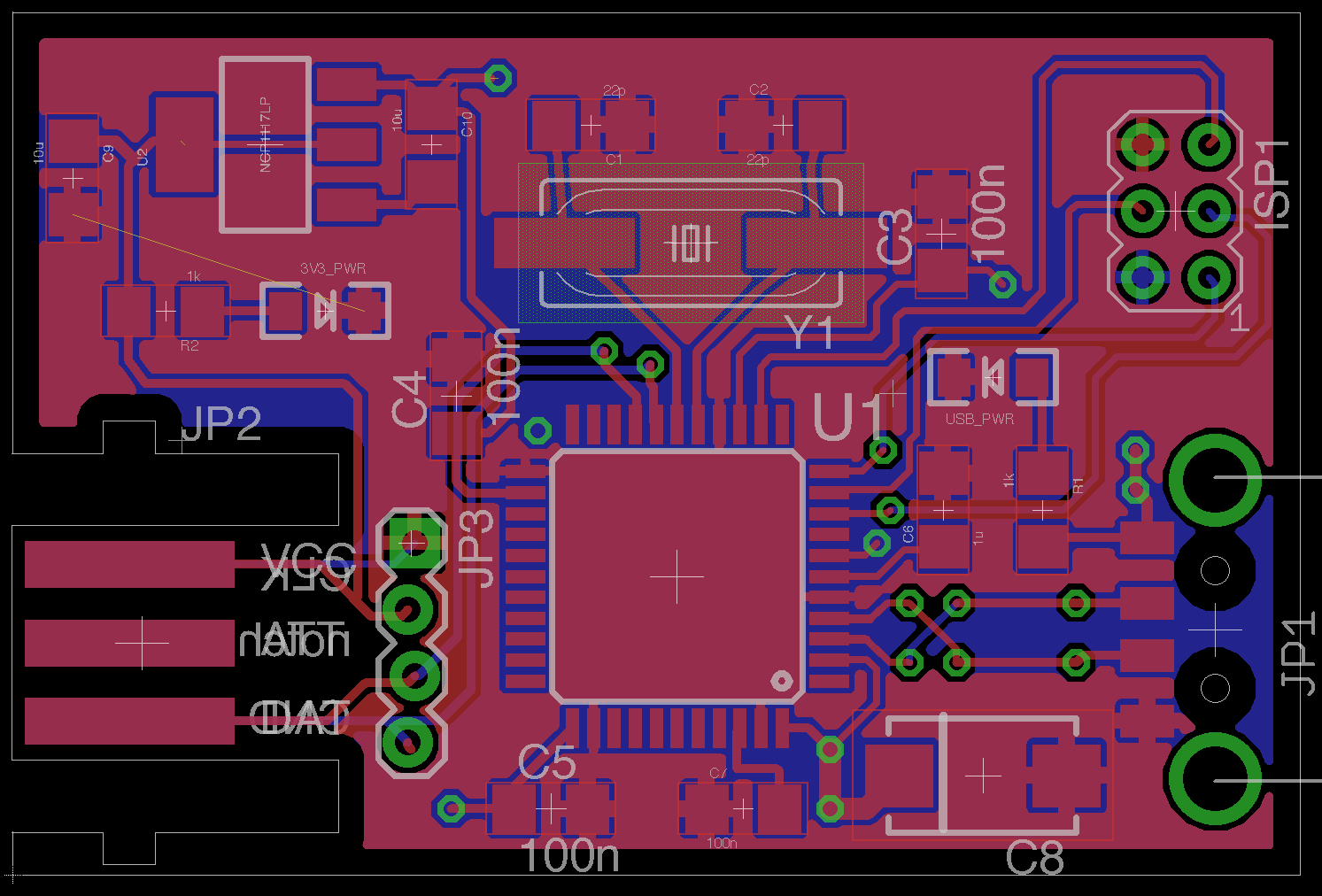
EAGLE_GND_Plane_Ratsnest_Challenge
Your challenge, if you chose to accept it, is to determine why EAGLE is showing a ratsnet connection on the far left of the PCB layout. The pads shown with the yellow unrouted line are both GND. They are both surrounded by a ground plane, which is also connected to GND.

When you start creating your own parts in EAGLE, you’re going to want to store them somewhere.  Here’s how to setup EAGLE to use custom directories and how to create your own Library, which gets stored in the custom directory.  There are a number of steps involved, but once setup custom libraries give you a place to store components you create as well as the ability to copy other parts into your library.