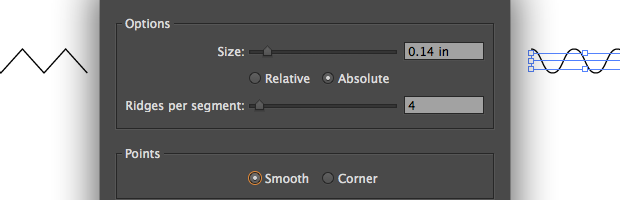
When working on the AddOhms video on the difference between AC and DC, I needed a vector diagram with a sine wave. Using Adobe Illustrator, I tried with a Bézier tool, but it didn’t look quite right. Here’s two methods I found to create a better line sine.
Arduino boards have microcontrollers with notoriously small amounts of RAM. The Uno only has 2,048 bytes of static RAM available for your program to store variables. So when you need to keep non-changing variables out of RAM which is best to use const or #define?
It isn’t always clear what is meant by calling a device or a signal “analog” and “digital”. This AddOhms tutorial explains the difference between analog and digital by using an analogy to clocks. Old-school clocks with hands are a great example of “analog” while alarm clocks with digits as their display are an excellent example of “digital”.
All Arduino boards have GPIO pins with digital and analog capabilities. The Arduino pinMode() function determines how the pins will operate. A surprise might be that in some cases it is not necessary to use it. And when you do, pinMode() may not always work the way you expect. This post outlines how the Arduino pinMode() function works and when you should (or not should) use it.
pinMode(13, OUTPUT);
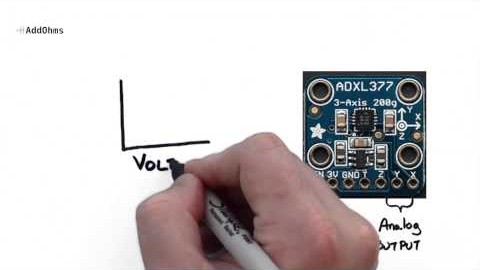
The fifth episode of AddOhms tackled the difference between AC and DC. One of the things I wanted to stress in this tutorial is that even though the acronyms stand for “current”, they get used to describe voltages as well. Which, after a video on the difference between voltage and current, seemed like something that needed to be stated.
No behind the scenes for this one, just the finished video.