During #22 of the Hardware Developers Didactic Galactic meetup, I discussed Oscilloscopes. (Previously James talked about capacitors.) In the presentation, I broke down the internals of an oscilloscope. The presentation started off with a block diagram. Then I discussed the main components: vertical amplifier, A/D, memory controller, some of the computer side stuff, and the keynote was on triggering.

The trigger circuit of an oscilloscope fascinated me since very early in my HP/Agilent career. When I saw trigger modes like Pulse, Violation, Rise Time, and “Runt,” I thought: Wow, this must be the most complicated circuit in the scope! While it isn’t trivial, it very clever how just a few pieces of (relatively) simple hardware drive one of the most important aspects of a digital scope.

Download Slides

Rick Altherr also gave an excellent talk on ECUs and their sensors. (I always thought ECU only meant engine control unit. His talk helped me understand why that isn’t really the case anymore!) It was great to learn about the combination of the engine mechanics with the electronics that control it. !)

See Rick’s Slides
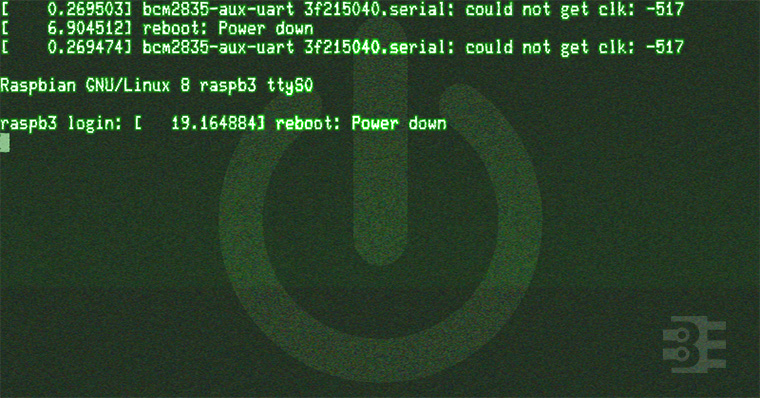

The last couple of weeks I have been making progress and posts on my RetroPie build. I’m putting a Raspberry Pi inside of an actual SNES (well Super Famicom). Part 1 covered the schematic for a Soft Power Controller. In Part 2 I broke down the RPSPC state machine. This 3rd and final post of the series is a Raspberry Pi startup script tutorial. It covers how to make scripts run at startup and shutdown.

When I started researching how to make Raspbian run a script at startup and shutdown, I found a ton of links and questions asking for help. None of them helpful. Why? Because they were wrong. At least, they are now.

/etc/rc.d doesn’t matter!

It turns out, Raspbian Jessie does not use SysV for init (anymore). So it does not matter what you scripts you put in /etc/rc.d. Pretty simple but missed by many!

Here is a correct Raspberry Pi Startup Script Tutorial.

The Key is systemd

Once I started researching how to make systemd do what I wanted, new problems emerged. The syntax for systemd is not as straightforward as I first thought. Thanks to readers, I was pointed towards the RedHat systemd manual. After reviewing it, I was able to create a service that runs at startup and shutdown.

In the end, I was unable to prevent this process from running during reboot. There seem to be some more layers to make sure systemd knows the difference. In the end, I decided it was not necessary to avoid the reboot.

hddg22-banner

Oscilloscopes belong on the desk of every electrical engineer or hobbyist. They are invaluable in both debugging and characterizing a circuit. While most users can twist the knobs to make things show up on screen, most never fully understand what is happening behind the scenes. Having spent over a decade working at a couple of scope companies, I have unique insight into how these incredible machines actually work.

I’m super excited to be invited back to the Hardware Developers Didactic Galactic held at the SupplyFrame office (usually) in San Francisco. This time I’ll be talking about oscilloscopes (last time I spoke about Capacitors). The focus of my story is the mysterious “trigger” circuit found in all digital scopes. Which, ironically, is the last part of my presentation. 😉

If you’re in San Francisco this week, grab a seat at the HDDG22 Meetup.

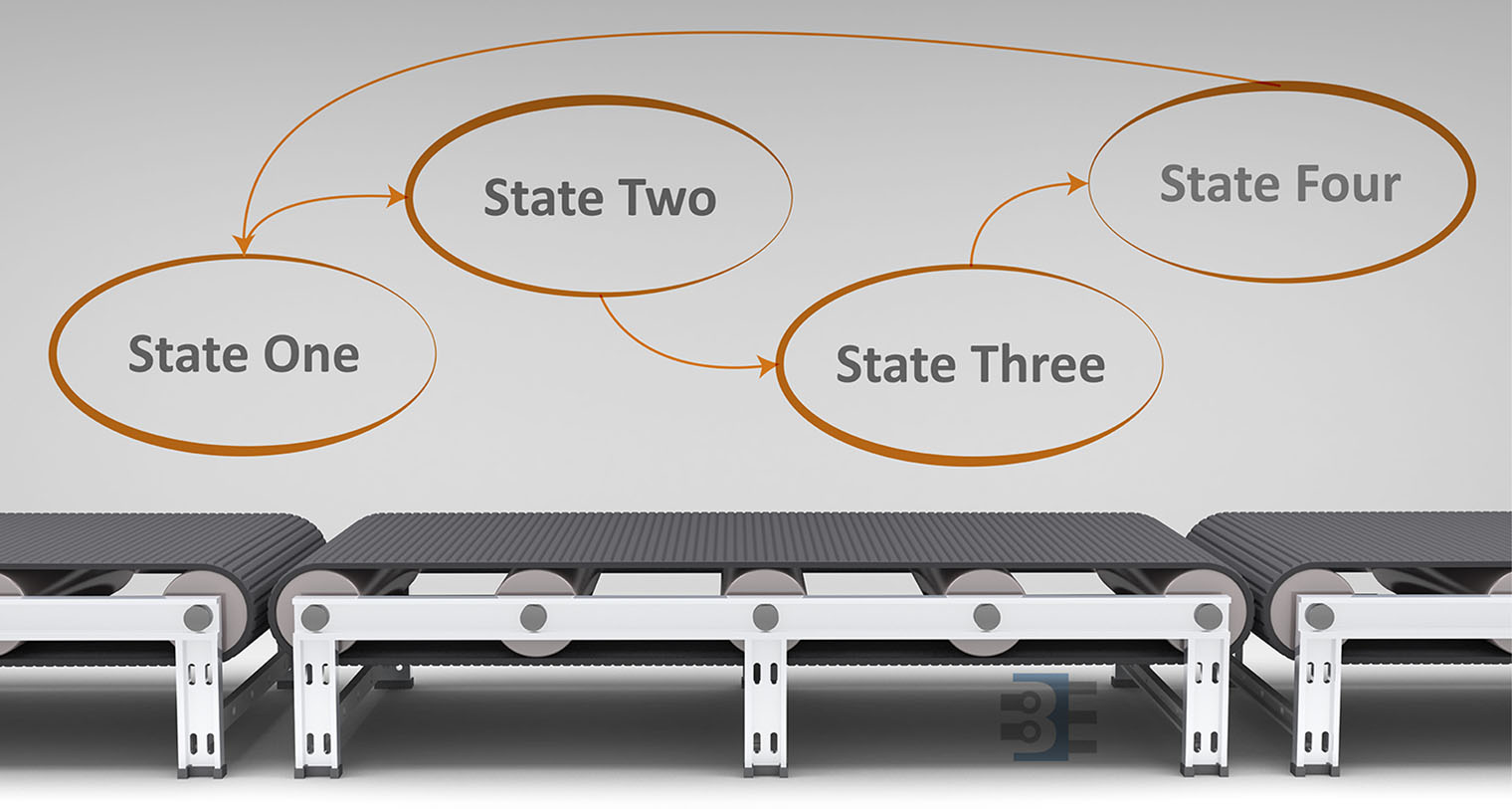
Previously I looked at the hardware needed to build a Raspberry Pi soft power supply. This week I’m looking the state machine for the microcontroller. Why is such a complicated circuit necessary? I am replacing a Super Famicom (SNES) motherboard with the Pi. The trick is, I want to use the original power switch to turn the Pi on and off.

This requirement presents a problem. When the switch goes into the “OFF” position, power needs to stay on long enough for the Pi to properly shutdown. So the switch itself can’t provide power to the Pi directly. With minor changes, the code in this state machine could be made to work with push buttons as well. If I add that feature in the future, I’ll update the code on the RPSPC GitHub project.

Before continuing with the state machine, first I need to thank all the mailing list members. You guys really rock. When I asked for state machine diagraming tool suggestions, you guys sent me enough options for an entire (future) post to compare them. 

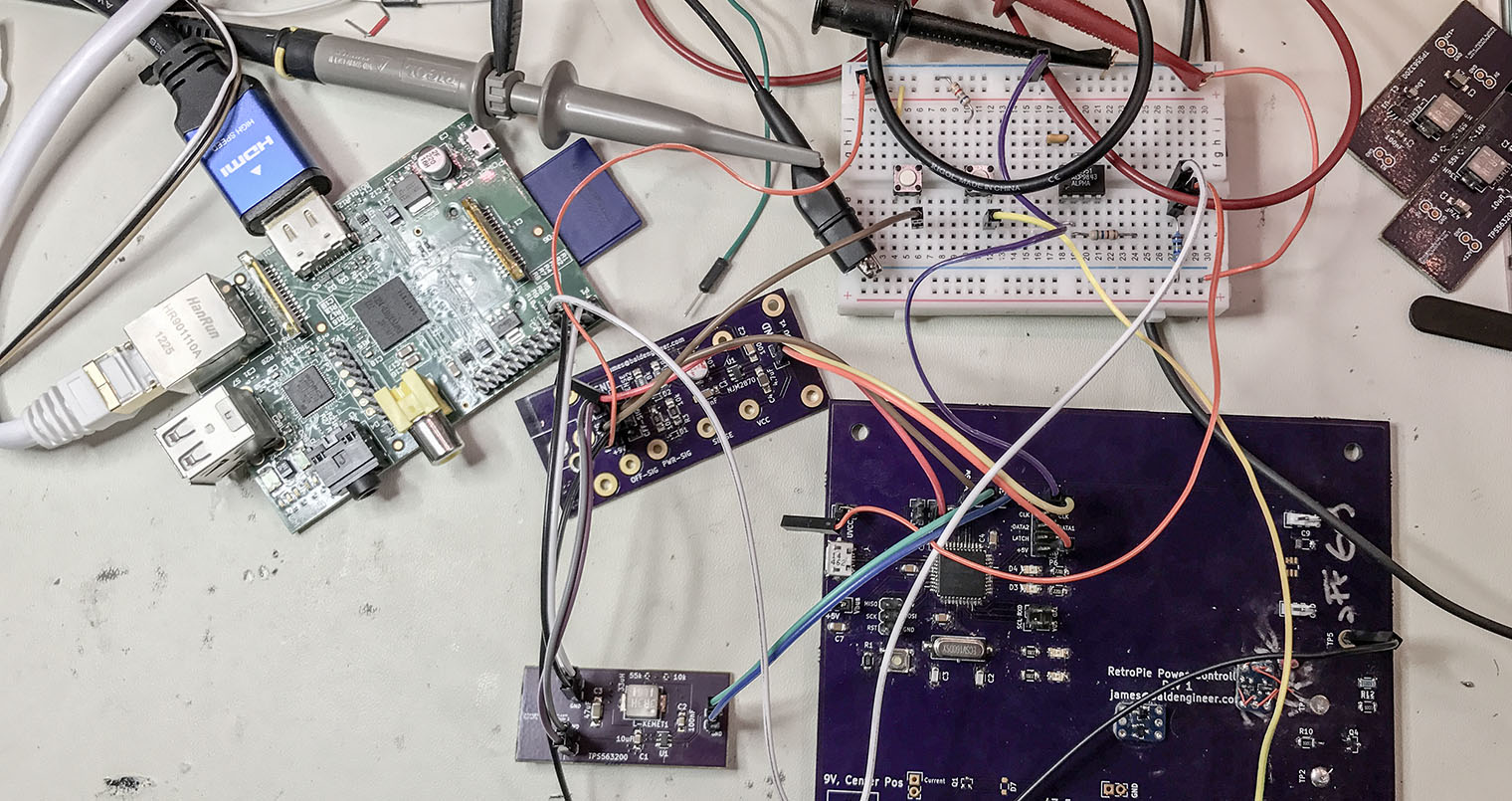
The RetroPie project enables retro-gaming with a Raspberry Pi. All of the Pi models have enough computing power to emulate the major 8-bit and 16-bit computers of the 80s and 90s. With the Pi 3 I have even been able to play PS1 games with no problem. My current project is to put my Raspberry Pi running RetroPie into an old Super Famicom (SFC), or SNES, case. The catch? I want the original SPST power switch to work. And by work, I mean allow the Raspberry Pi to shutdown properly when the switch goes into the off position.  To accomplish this task, I am building a Raspberry Pi soft power controller.

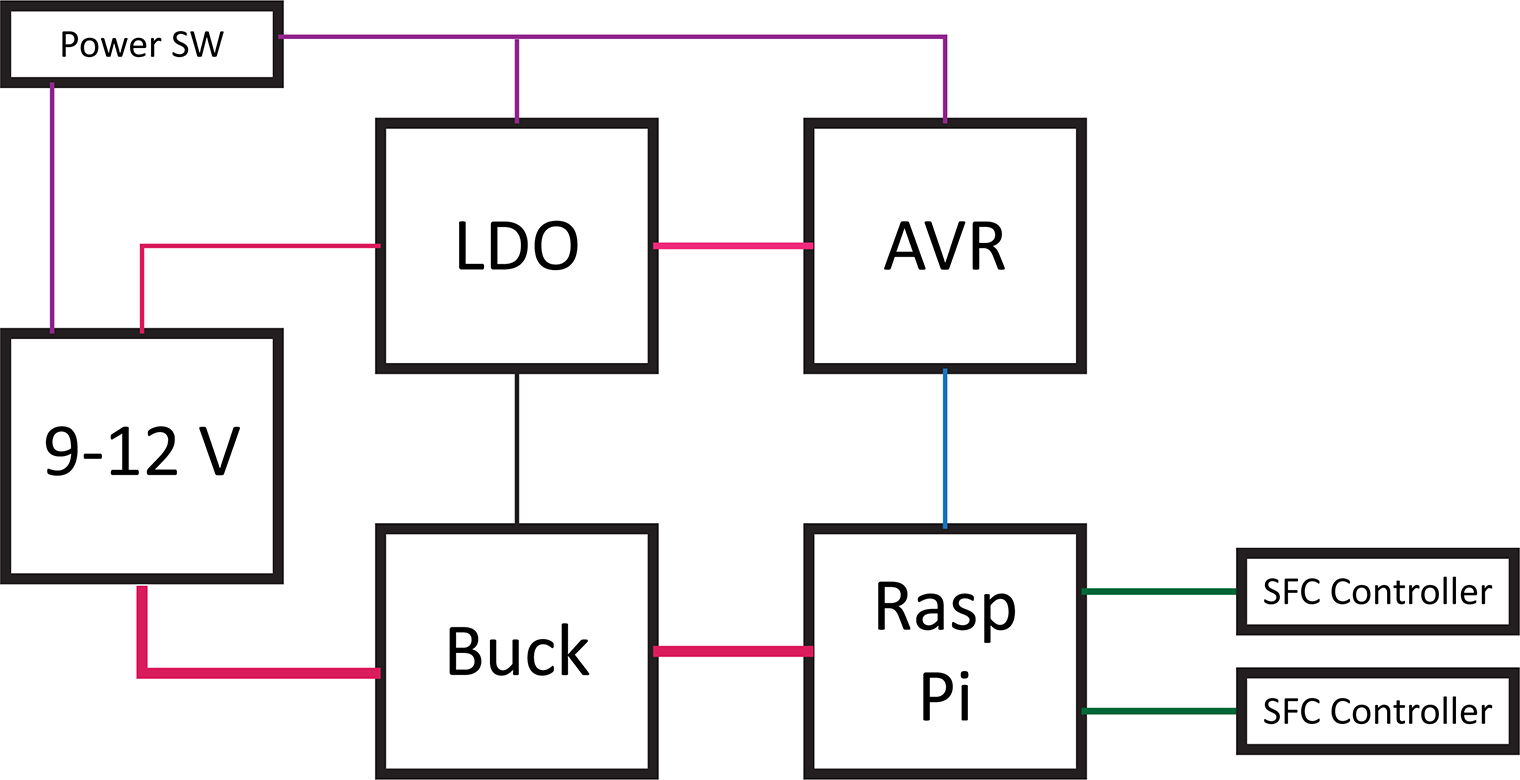
Raspberry Pi Soft Power Block Diagram

Here’s a block diagram of the power controller. The basic blocks in a Raspberry Pi soft power controller include the LDO, a switching supply for the Pi, an AVR-based microcontroller, and the Raspberry Pi. This post will describe each of these hardware blocks.

One design objective was to draw as little current as possible when off. For my RetroPie, I will not be running on battery. However, I do not like the idea of wasting energy when something is turned “OFF.”

This overview is a multi-post write-up. This first part is on the hardware. In the next post, I will explain the AVR’s firmware. Later, I will come back to the Raspberry Pi side of the project.

Last week’s post was on Project Sharing Sites. I’m using two for this project. Hackster.io will host the build log while GitHub has all of the design files. And by all of the file I mean the schematics, firmware, laser cutter files (soon), and Raspberry Pi code.

Hackster.io Project Page   GitHub Repo