The seventh AddOhms TutorialCast has gone “live”. (Gone “uploaded” sounds wrong.) Being able to understand difference between an Arduino and a Pi is a critical point for many new electronics hobbyist. The boards seem so similar, but they are so different. AddOhms #7: Comparing the Arduino and Raspberry Pi

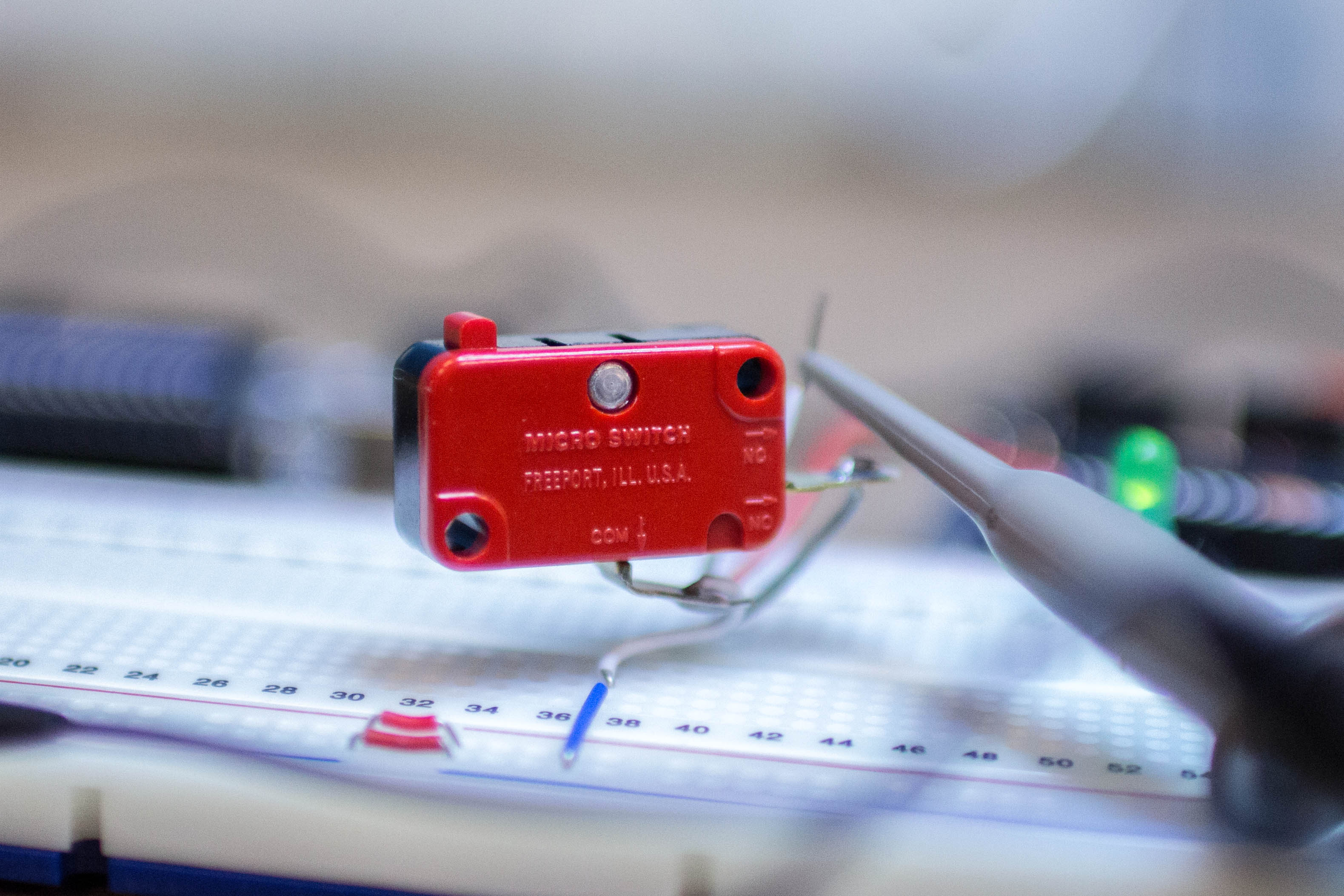
The Arduino is fast, humans are slow. When you push down a button, what seems like a single change to slow humans is really multiple presses to an Arduino. This is known as “bouncing.” Figure 1 is an oscilloscope screenshot showing what could happen when a button is pressed.
A popular LED project is the “Larson Scanner.” This scanner emulates the effect seen on KIT from Knight Rider and the Cylons in Battlestar Galactica. The code is usually written using “delay()” which means you can’t combine it with anything else. The following code could be put into a function, called periodically and allow your code to scan while doing other things.
Since most Arduino boards do not have debug capability, this limits the programmer to using Serial.prints. A useful piece of information might be knowing how long certain parts of code are running. Here’s a simple example that demonstrations:
- How to properly use Serial.flush() (hint: it’s for TRANSMIT, not RECEIVE!)
- How long Serial.print()s can “tie up” the Arduino.
When using delay() to flash a LED there is a time for the LED to be on and then off. This makes it easy to have independent control of the “on” and “off” times. The standard blink without delay example doesn’t give you this flexibility.
This example code gives you complete independent control of how long a LED (or any OUTPUT pin) stays “ON” or “OFF”. This also demonstrates a very simple two-state state machine.
The variable “LED13state” is used to track what should happen each time the millis() event fires.