Category

Tutorials

Category

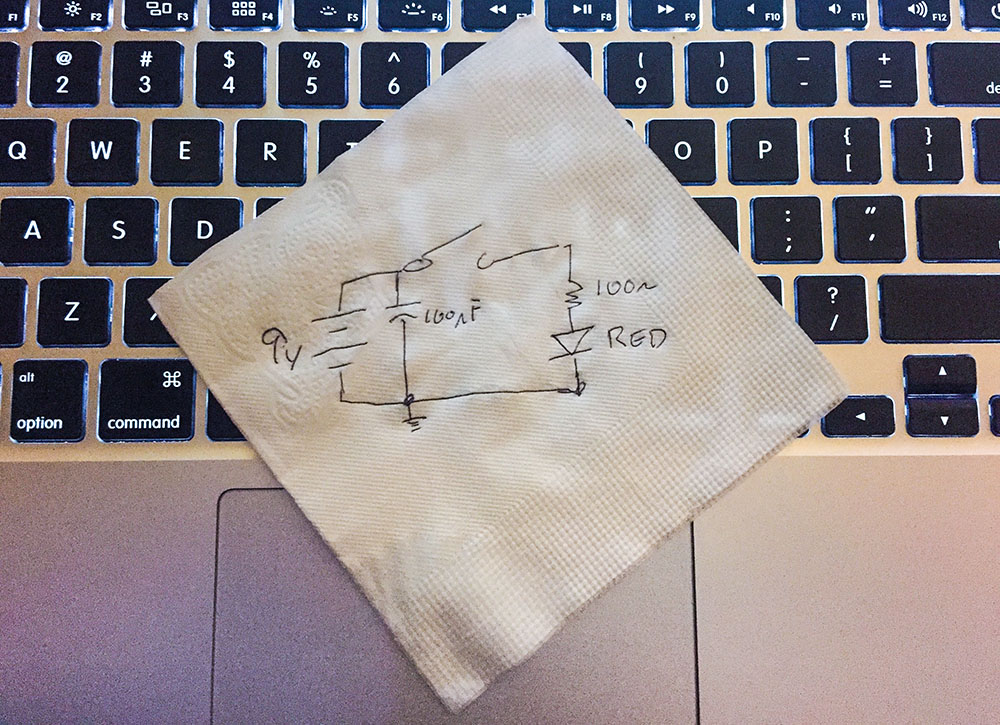
Engineers make a schematic to explain their circuits.

One time I was looking for a non-tourist pub in Japan. I asked someone for help. She said, “I’m sorry, but I do not speak good English. I will bring my friend, and she will draw you a map.” (Exact quote!) The map her friend drew, gave directions to a bar with a “Neon Yellow Sing.” She meant “sign.”

The map was the method we used to communicate with each other, even though we didn’t both speak English. With this crude but useful map, I could find my next drinking place destination.

Schematics are the same as this map. Even if you don’t speak the same language, you can communicate how a circuit works when you make a schematic.

Use one of these five tools, when you need to a document a circuit or when you need to ask for help.
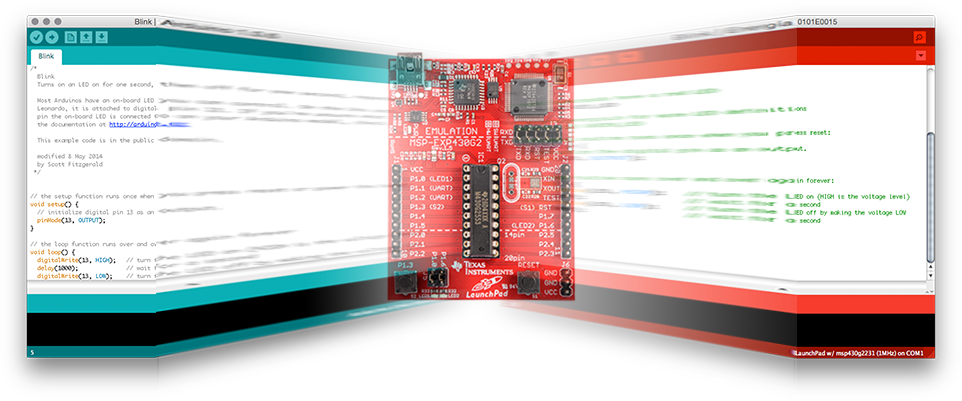
Does Energia stack up as one of the Arduino alternatives?

[featured-image link=”/energia-and-msp430-arduino-alternative.html” single_newwindow=”false” alt=”Energia – An Arduino Alternative”]

With all the recent noise around Arduino LLC and Arduino SRL, I felt like I needed a break from Arduino. So I decided to come back to a platform I set aside a while ago: TI’s MSP430.

Previously I wrote it off because of the Windows-centric software. In fact, I made my first “review” video based on it. (I’m a Mac / Linux guy.)

In this post, I’m looking at an open source IDE that’s available called Energia. It makes using the MSP430 series boards a snap.  And, by the way, makes for a great Arduino alternative.

pinMode analog input tip

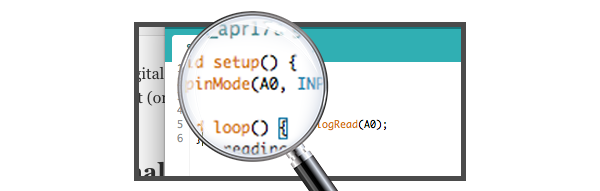
All Arduino boards contain analog and digital pins. The Arduino functions have different calls depending on the pin type. For example, when calling analogRead(), an analog input pin is automatically changed from a digital input (or output) into an analog input. For this reason, it isn’t necessary to call the pinMode function on the pin. However, when I write Arduino Sketches, I still put a pinMode(A0, INPUT) in setup anyway.

Keep reading to see why I use pinMode on Analog Inputs.

To save time, breadboard pins or just lack of knowledge people try to skip adding even one decoupling capacitor to a circuit. Either on IRC or in Forums you can almost always see it coming: “randomly, my circuit stops working” And then, “what do you mean a decoupling capacitor?” question.

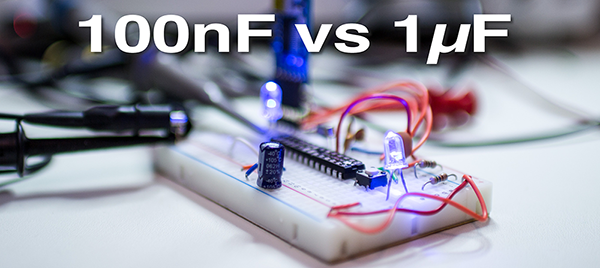
While working on breadboard Arduino, I came across some unexpected measurements. Initially, the only capacitors on the breadboard were the two 22pF from crystal to ground and the capacitor connected to RESET for Auto-RESET.

Keep reading to find out what happen when I added a 100nF and a 1µF cap. A bunch of scope traces and surprising results follow.

Breadboard Arduino with no Decoupling Caps
Breadboard Arduino with no Decoupling Cap

The Arduino Library provides functions like shiftOut() and digitalWrite().  These functions are simple and effective, but they are slow. Of course, they’re doing a lot more than just toggling bits. Faster isn’t always necessary and can sometimes lead to more difficult debugging.  And as Donald Knuth said,

…premature optimization is the root of all evil.

So what happens, when you do need to optimize? For example, if shiftOut() is too slow for your project, what do you do?  In Ralph’s post, Fastest AVR software SPI in the West, he breaks down different SPI code implementations into their assembly code.

To make the best optimization, you need to change compiler flags. So this is, in my opinion, an interesting case study in what kind of performance benefit you can get when you do some serious optimization.

Of course, you really shouldn’t, unless you need it…

Check out his post: Fastest AVR software SPI in the West

Knuth quote from his paper “StructuredProgrammingWithGoToStatements.”