Category

Blog

Category
NeoCorner from josh.com

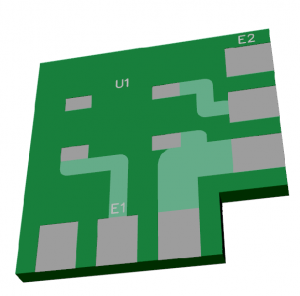
If you’re working with the WS2812B and need to turn corners, you’ll want to check out this NeoPixel Corner adapter PCB from josh.com. It’s a pretty simple board. I came across it as a solution for an upcoming lighting project.

In josh’s example, he used a CNC to mill the PCBs. If you’re using one-sided FR4, that might work well. You’ll want to double-check thicknesses if you want to use OSHPark or similar.

You can check out the full write-up here or the NeoPixel Corner Board project GitHub.

On a related link, this document explains differences between WS2812 and WS2812B.
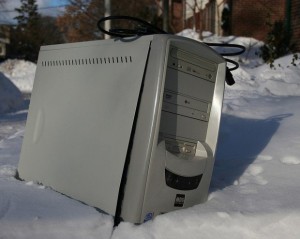
computer-in-the-snowDumpster diving can be a rewarding experience for a maker. You never know what components you might be able to recover from electronics otherwise discarded. What can be hidden inside of an “obsolete” box? Motors? Sensors? Capacitors?

Older technologies like VCRs and Scanners can be a treasure trove of stepper and servo motors. Under-powered, by today’s standards, computers probably have cables that can be re-purposed into your current project.

Be on the lookout with Make Magazine’s list of 8 types of “trash” you’ll be lucky to score.

Whether you are an engineer with enough experience to be called a graybeard or a novice that keeps grabbing the wrong end of a soldering iron, there is one component that eludes everyone working in electronics.

It’s the humble capacitor.

A seemingly simple device, turns out, to be incredibly complex. While the basic electrode-dielectric-electrode structure sounds simple, the materials used in that structure drastically changes the characteristics of the device.

[featured-image]KEMET Engineering Center Screenshot, Courtesy of KEMET Corporation.[/featured-image]

There’s a new website created by KEMET Electronics which aims to educate all levels of engineers about the ins and outs of capacitors. They call it the KEMET Engineering Center.

After fighting bugs, bad connections, and burned out chips your project is working–or even done. The next step? Record a video, edit it, and upload it to YouTube.

Too many steps? Then maybe you just want to do a Periscope demo. Within seconds, you can be broadcasting your project to the world.

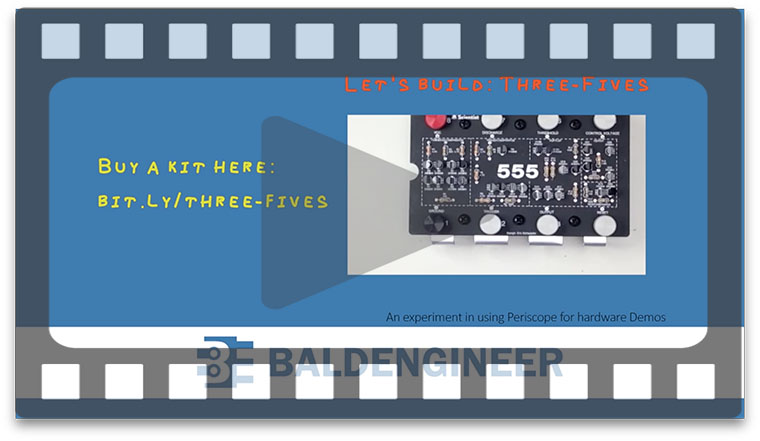
This past weekend I tried my first couple of scopes. The first Periscope “demo” was me soldering together a Three Fives from Evil Mad Scientist Labs. The others periscope demos were 3d printing related.

When it comes to a hardware project demo, I see some challenges. Check out these five things to watch out for and, if you’re interested, you can watch my soldering Periscope demo.

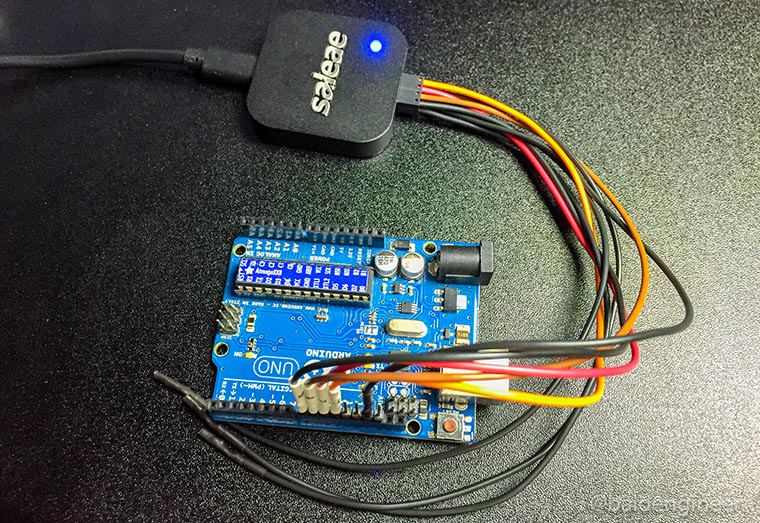
Recently I picked up a device called Logic from Saleae. It’s a 4-channel USB-based logic analyzer. While learning how the simple, but effective, UI works I ran some timing benchmarks on my Arduino Uno. The subject? digitalWrite(). I wanted to know how fastdigitalWrite() could turn on two (or more) pins.

Almost all Arduino users start out with the simple “blink” sketch. Turn pin 13 ON, delay, turn it OFF, and delay again. The heart of this version of “Hello World!” is the digitalWrite() function. Many Arduino users never even think about all of the stuff this single function call hides.

In this post, let’s compare the speed of digitalWrite() to direct port manipulation, using a logic analyzer.