
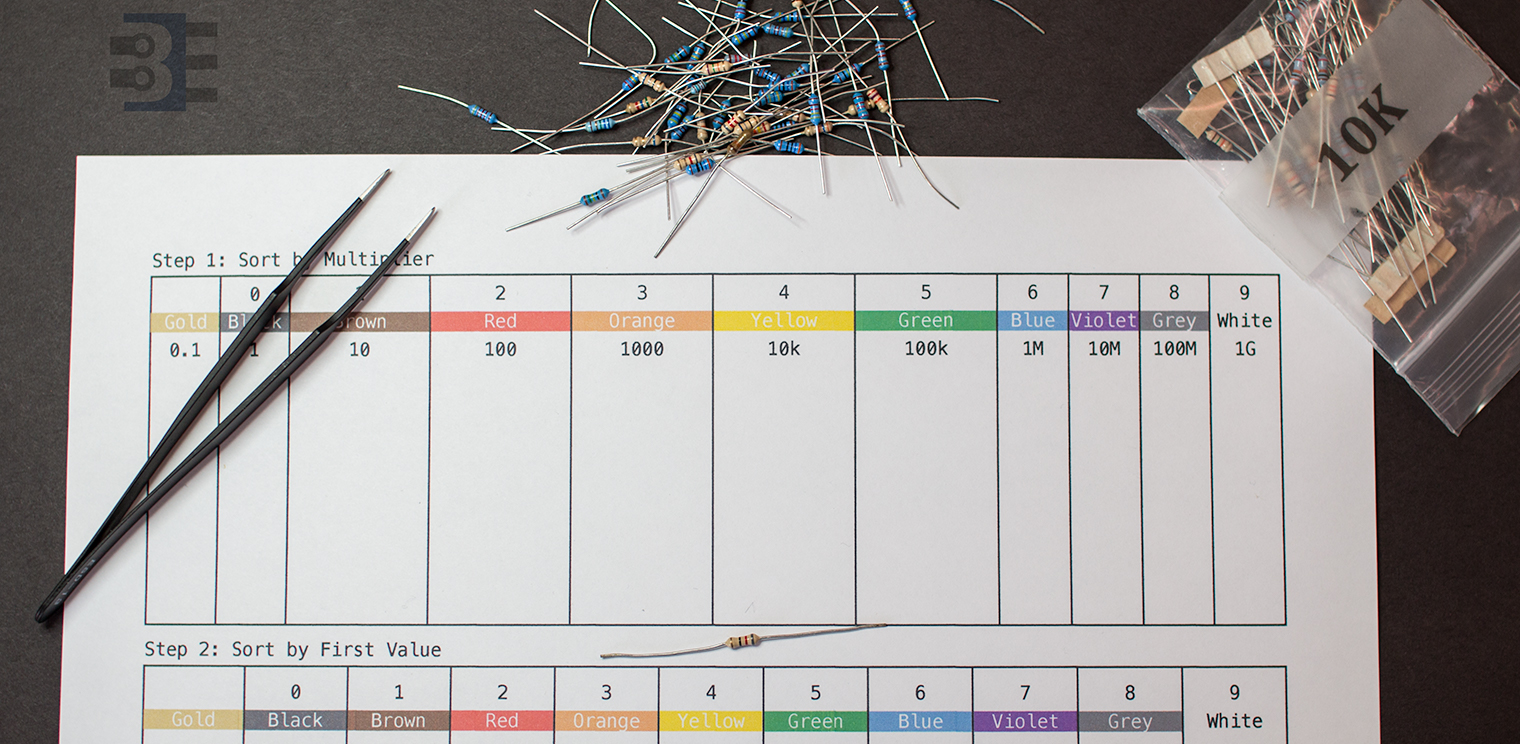
When you buy a grab bag of components, you might need to tackle sorting resistors. Here’s how I sorted some bags of random resistor assortments last week.
Objectives
Then method I use for sorting resistors achieves these objectives:
- Fewer Bins. It doesn’t take long to create a large matrix of resistor values. My resistor sorting method is relatively compact.
- Quick to find. When I’m building up a circuit, I don’t want to spend time sorting through a pile. Once I know the value I need, I find a single package and then look for a single color band.
- Works with 4-band and 5-band resistors. Let me be upfront: I *hate* 5-band resistor color codes. While the 5th ring is supposed to be slightly offset, or wider, or a different type of color; it doesn’t matter. It’s nearly impossible to tell read a 5-band resistor color code when they are in a pile. However, using my method for sorting resistors, it doesn’t matter if I’m looking at a 4-band or 5-band resistor. I can immediately identify the resistor value.
Based on #3 alone, you might be wondering what is the fantastic method (and how much will it cost to get it!) Here’s the basics of my method for sorting resistors. (For FREE!)
Sorting Resistors: 3-Step Process
The method for sorting resistors is pretty simple. First, sort them by 4-band and 5-band types. Next look at their multiplier code. Then, sort them by the first band’s color. Store them in bins or packets based on these two pieces of data.
This way when you need a “4.7K” resistor, you can find the container with “4K” resistors. Just look at the second code to be a violet (or “7”), and you’re done!
Let’s go through the process I use for sorting resistors in more detail. I’ve even created a chart you can print out, ideally in color, to help.
Step 0: Download my resistor sorting chart
I made this chart to help when I sort resistors. I’ll use it on the 3 step process below. Leave comments on how we can improve this chart!
Download Sorting Template (Letter Size)Step 1: Sort by 4-band and 5-band 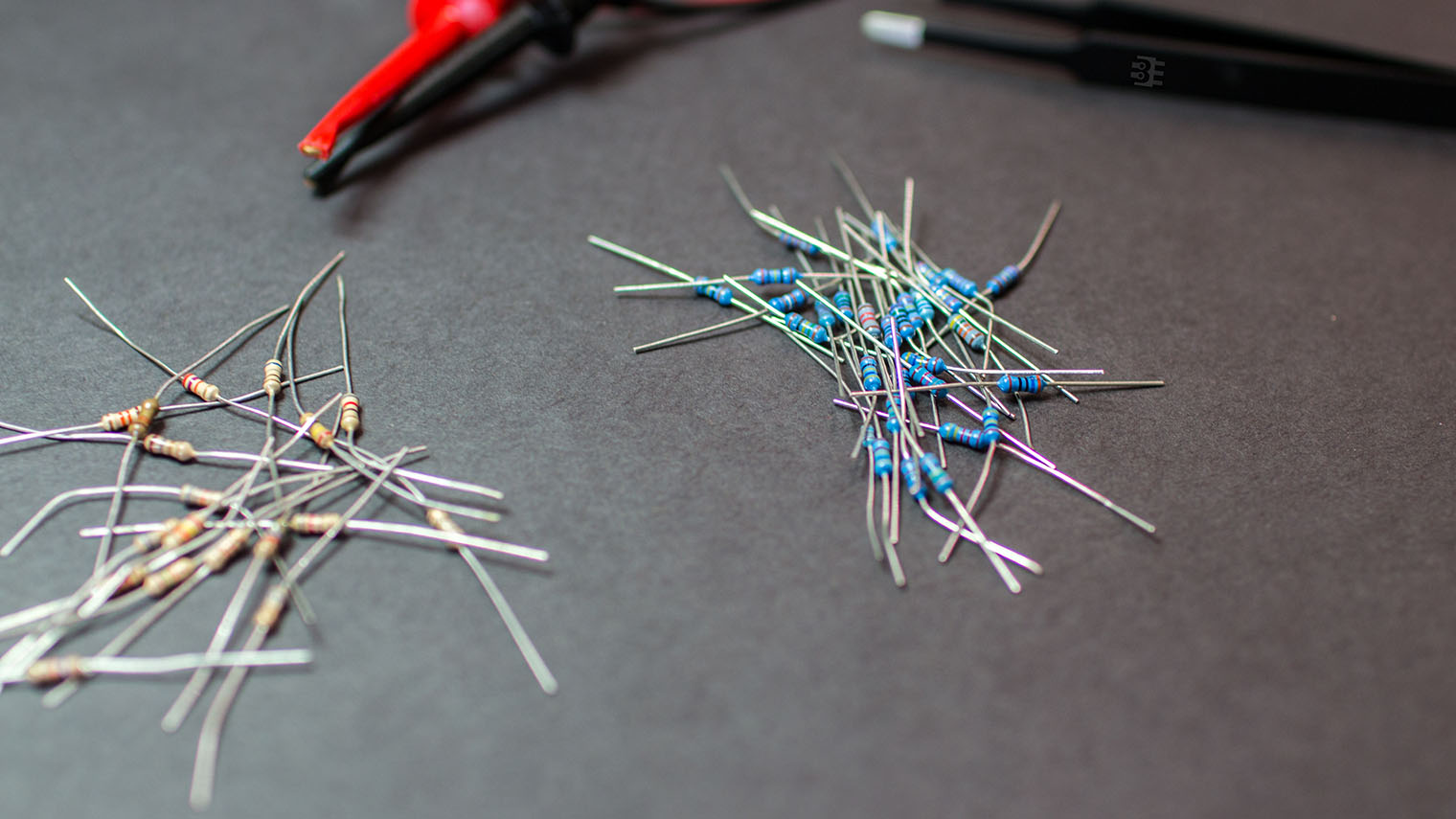
This first step is really more to keep you sane than anything. Dealing with 5-band resistors is frustrating. Once you get a pattern going though, it gets a bit easier. So I find it is better to divide and conquer. Sometimes I’ll do a few groups of 5-band first then do 4-band just as a break.
Step 2: Sort by Multiplier
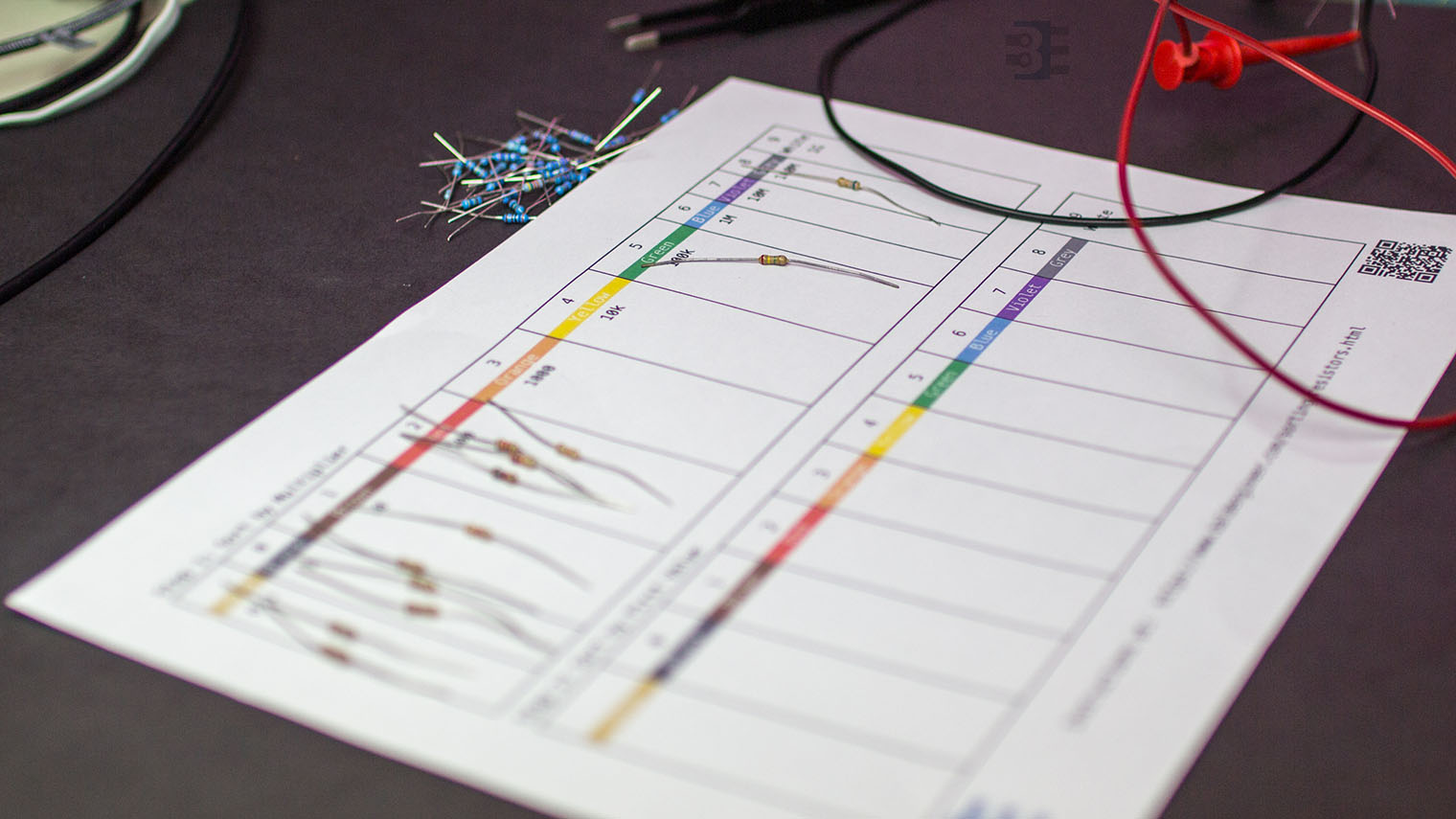
The second step is to identify the multiplier code for the resistor. On 4-band resistors this is relatively easy, but still necessary. On 5-band resistors, however, the process is more complicated. Thankfully, following this process makes dealing with 5-band resistors much easier. As you can see in the image, I’ve matched up the color of the muliplier band (3rd on a 4-band) to the box on the chart. The middle boxes are larger because I found those tend to be more common.
Step 3: Sort by First Digit
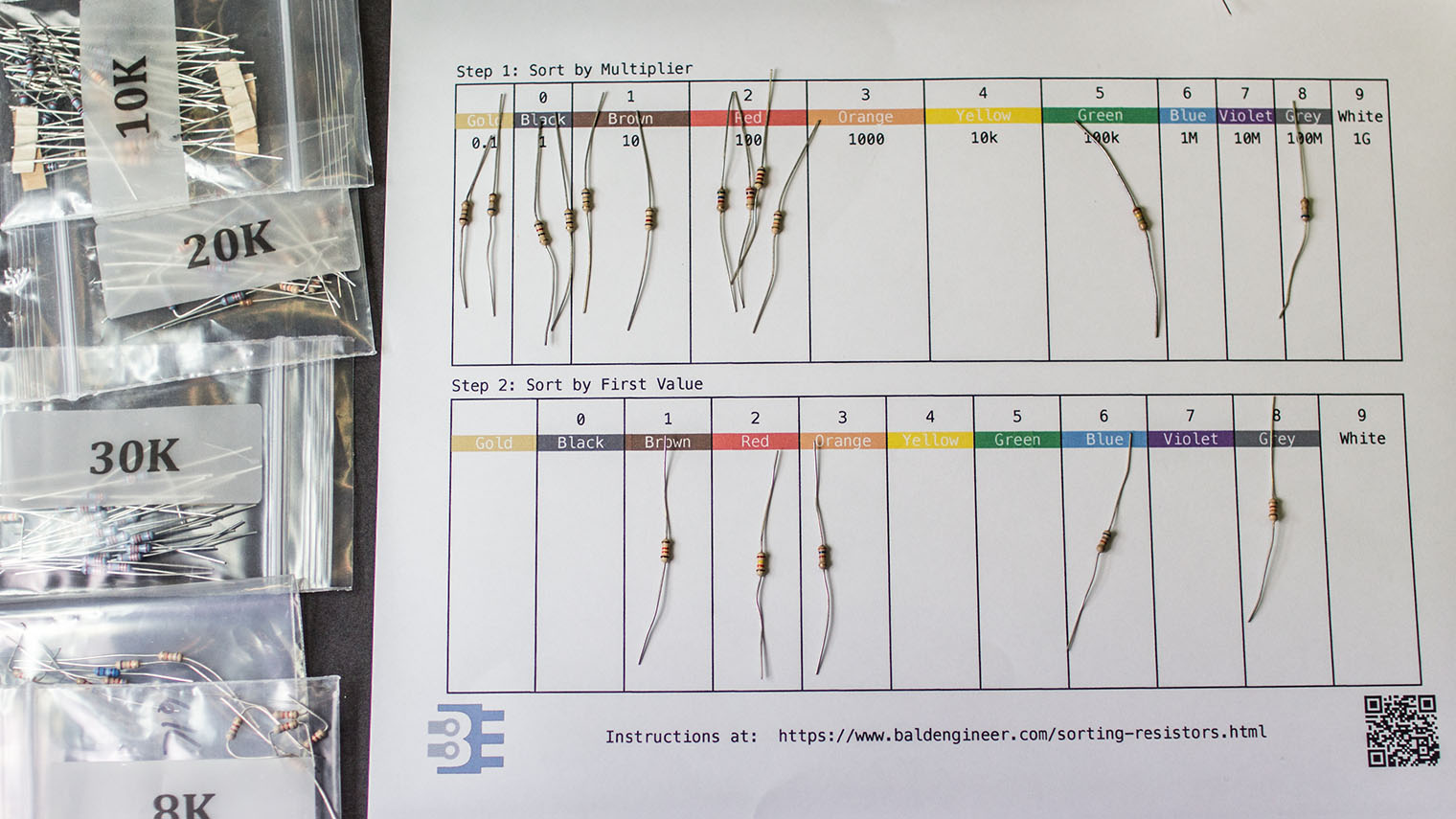
Once you’ve grouped by the multiplier, it is time to sort each group. Look at the color of the first band and class them into their proper bins. This step is the fastest and easiest, at least, in my experience. The picture shows I picked the orange group to sort first. This means the resistors should all be in the 19-99 kΩ range. Turns out I had a brown, red, orange, blue, and grey in that group.
How to use my resistor sorting method
When you’re looking for a resistor here’s how you use this method. Figure out the decade value, or multiplier you need, then look for the packet with the first digit. Once you have that packet or drawer, just look at the 2nd band.
If you have 5-band resistors mixed in with your 4-band resistors, this method *really* helps. Knowing what color the first color should serve to orient those hard to read 5-band resistors. Then you can verify the 4th circle is the right color, by the multiplier. Going back to my earlier example. When I need a 4.7 kΩ resistor, I pull out the “4K” packet and look for the second band to be violet! Easy, right?
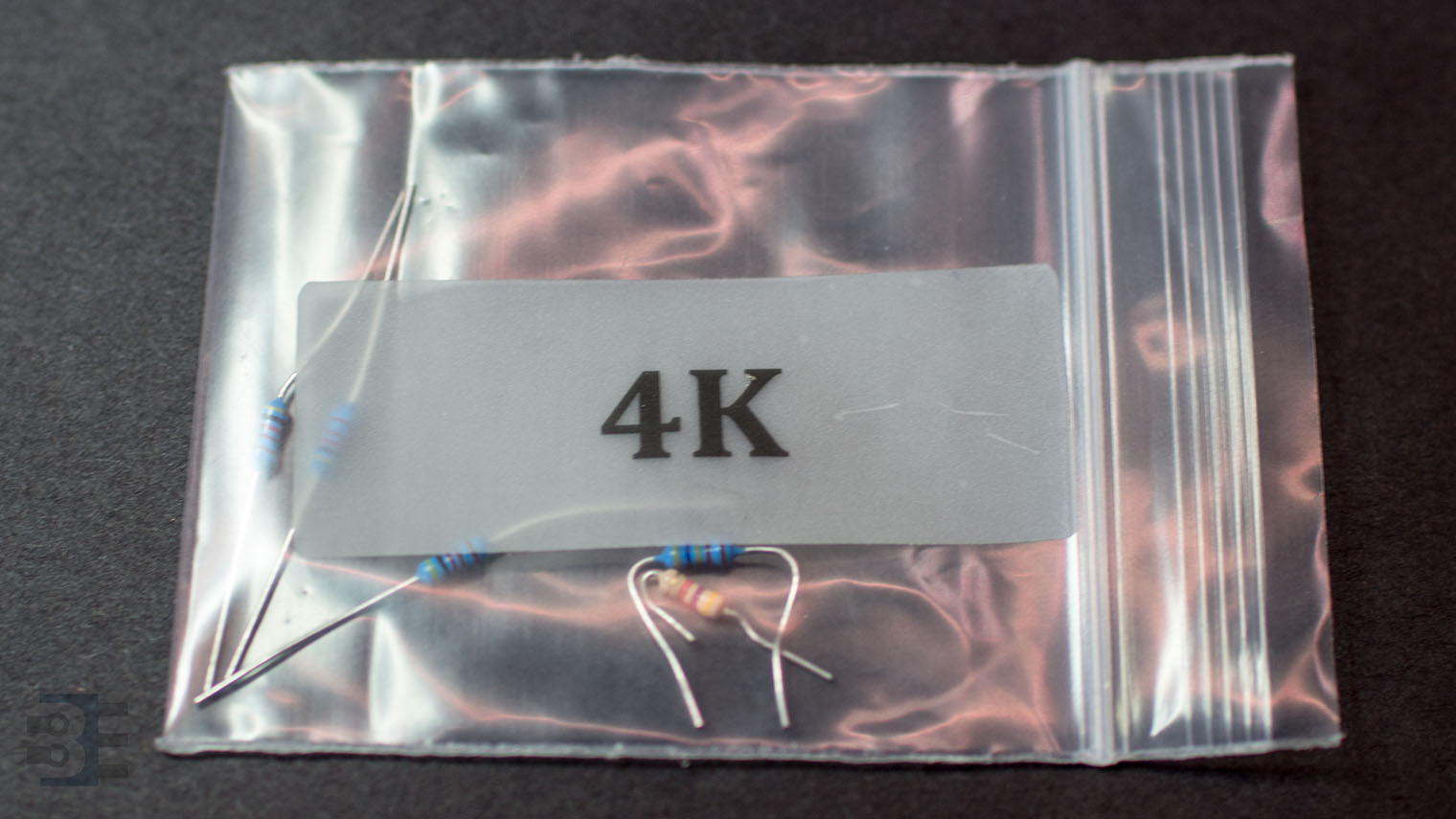
Sorting resistors with this method is the only way I’ve found keeping 5-band resistors in my kit tolerable. It does mean during the initial sorting I need carefully sort the 5-bands. However, when I’m in a hurry to finish a circuit, they don’t pose a challenge!
General Sorting Tips
Here are a few things I learned while perfecting my resistor sorting method.
Get a headlamp

You’ll feel silly wearing one, but it’ll really help. Turn on the lamp and shine it on the resistors. It’ll make telling the difference between red and orange significantly easier. I use a Black Diamond spot lamp [Amazon]. Little more expensive than some, but worth it. It’s lightweight, very bright, and comfortable to wear. It’s worth a few extra dollars.
Make the DMM work for you
I highly recommend using a DMM during your resistor sorting. Every couple of minutes I’ll do random checks with mine just to make sure I didn’t mess up something.
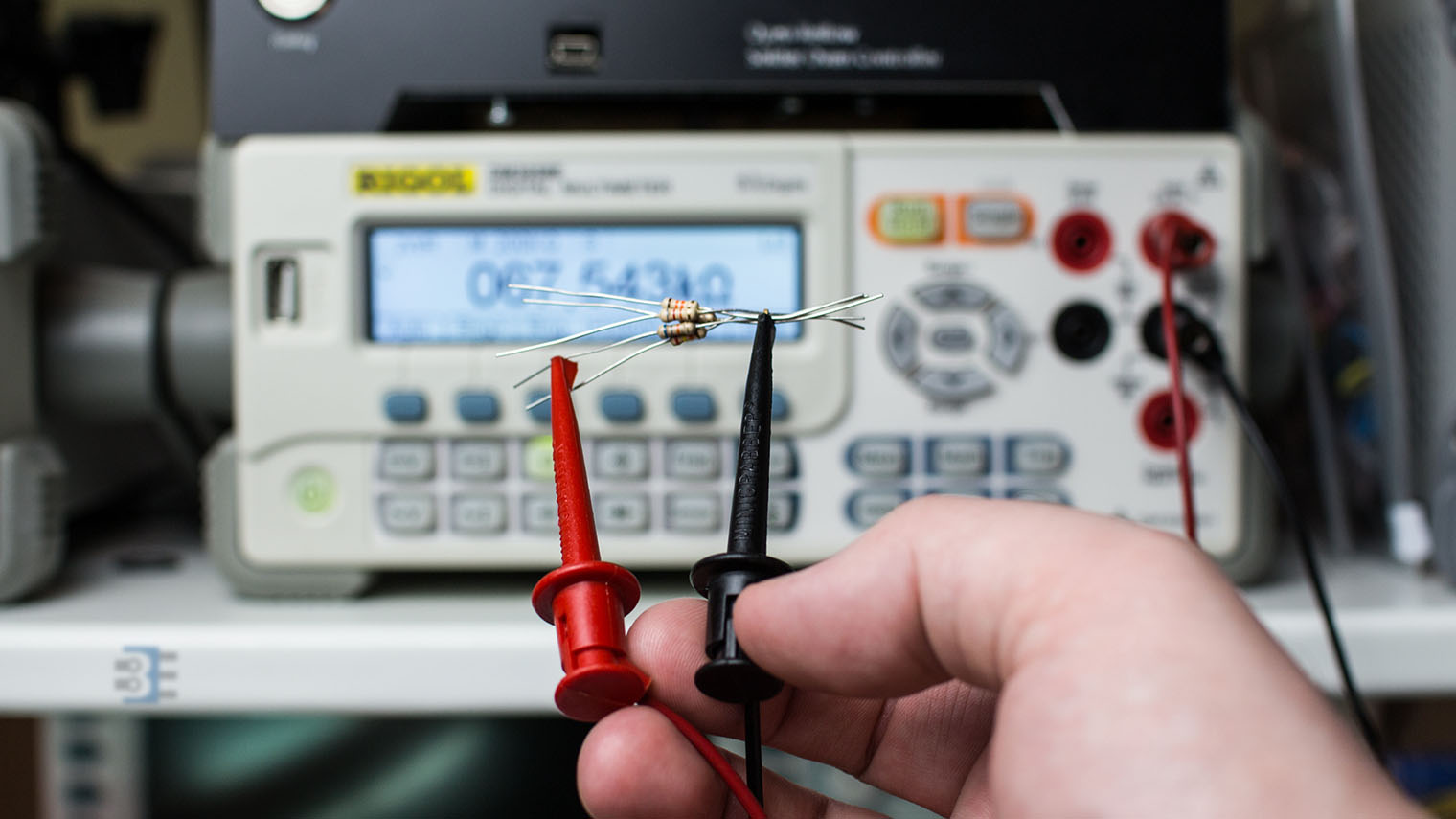
Even still, here’s two tips I realized while sorting my resistors.
Minigrabbers
My number #1 suggestion is to change your leads to mini grabbers, or alligator clips. Especially when you get to values past 100 KΩ, your body’s resistance will throw off the meter. So holding the leads of the resistor against the leads of the DMM can cause mistakes in the measurement.
Plus, that is a dangerous measurement technique. You should never let both of your hands touch a device, or circuit, under test.
Forget Auto-ranging
If you are lucky enough to have an auto-ranging DMM, this is one time I’d recommend not using it. Or at least, not using the auto-ranging feature. Letting the meter automatically scan through the ranges takes time. If you only measure a few resistors maybe it doesn’t matter. A packet of 100 resistors 2-3 seconds can add up quickly.
After you finish Step 1 and start sorting the first band of the resistor, set your manual range to the max value. For example, if you’re looking at “xxK” values, set your meter to 200K. You’ll have enough significant figures that you won’t have to wait for the meter to click down a few times.
Don’t sort them all
For the less popular ranges, I don’t bother to sort into individual packets. For ranges 1-9, 10-99, or greater than 1 MΩ, I don’t bother to store by the 1st digit. Instead, I just keep them all together. Generally when I do need those values anything in those ranges will work fine. Your mileage by vary, however.
Conclusion
That’s how I sort my packets of random resistors. Please leave a comment with your suggestions or ideas on how to improve my method. Also, I’d like to hear clever ways to STORE resistors.

P.S. Here’s a nice tool for decoding color codes: http://resisto.rs. Put in a resistor value and it gives you the 4-band, 5-band, and SMT codes!