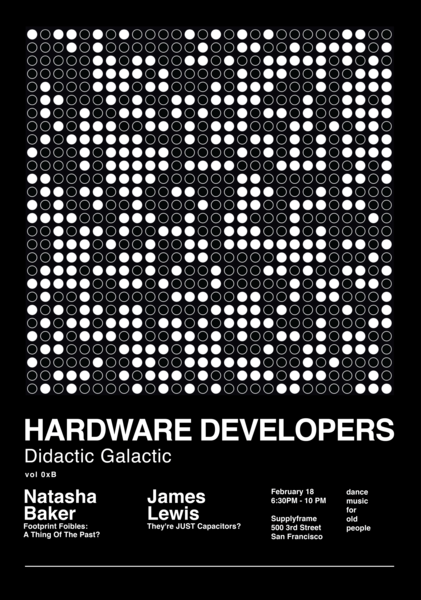
Hardware Developers Didactic Galactic is a group for hardware designers, hackers, and enthusiasts to discuss hardware-related topics. HDDG11 (or 0xb) featured a presentation from SnapEDA CEO on Footprints and my presentation on Capacitors.

Titled “They’re JUST capacitors?” I used content from my time as a KEMET Field Application Engineer.

Overview

In the presentation, I address the common myth or guideline: “capacitors should be derated 50%.” Comparing Aluminum, Ceramic, and Tantalum we discuss why each technology has a de-rating associated with it. Turns out, they all have different reasons to de-rate.

Additionally, I give a brief introduction to Supercapacitors. (You’ll note that it is spelled with one word…) The key to understanding what makes them “super” relies on how they achieve the common capacitor structure of electrode plate, dielectric, electrode plate.

Download PDF (11mb)

Tools mentioned at the HDDG11 Presentation

MQTT is an easy way for Internet of Things (IoT) devices to communicate with each other. This light-weight protocol can be used with a simple 8-bit Arduino to a Raspberry Pi to a multi-core PC to Amazon Web Services. It is that versatile.

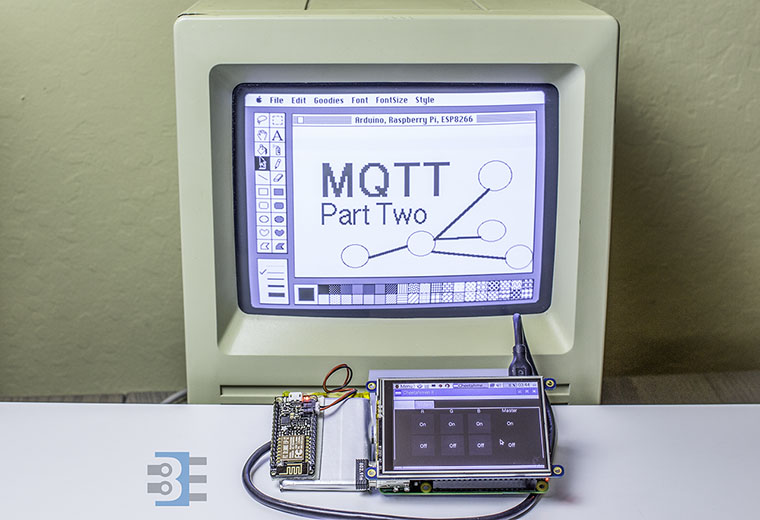
This MQTT Tutorial is broken into two parts. Part one is an MQTT Introduction. You’ll understand how publish/subscribe message brokering works. Next week, Part two will be a tutorial on using MQTT to communicate between a PC, Raspberry Pi, and ESP8266.

HDDG #11 Capacitors and Footprints


Super excited that I’ll be speaking at this month’s Hardware Developers Didactic Galactic (HDDG) #11. The meetup is on Thursday, February 18, 2016. It should come as no surprise that I’ll be talking about capacitors–something I have a bit of experience on.

Also presenting will be SnapEDA CEO’s Natasha Baker. I’ve written about SnapEDA in the past post, How to find Parts for your Electronics.

One reason to come is just to see what the Hackaday / Supplyframe office looks like!

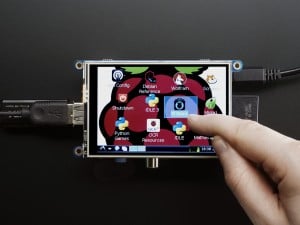
My favorite Raspberry Pi add-on is the PiTFT from Adafruit. With it, you easily get a Raspberry Pi GUI interface and touch screen. The PiTFT software install is just a few things and it is good to go.

Adafruit PiTFT - Click for more info
Image from adafruit.com

This screen is what I needed for my IoT project. The Pi+Screen will act as the primary controller for all of my things. The problem is I didn’t know much about writing GUI applications in Linux. So what could I do to create a Raspberry Pi GUI?

Python is popular in Pi projects, so I decided to stick with it and find out what GUI toolkits are ready to go. “Ready to go” means they install easily on Raspian and work well on the Pi.

Here is how I got Qt5 for Python up and running to create a Raspberry Pi GUI.