Tag

oscilloscope

Browsing

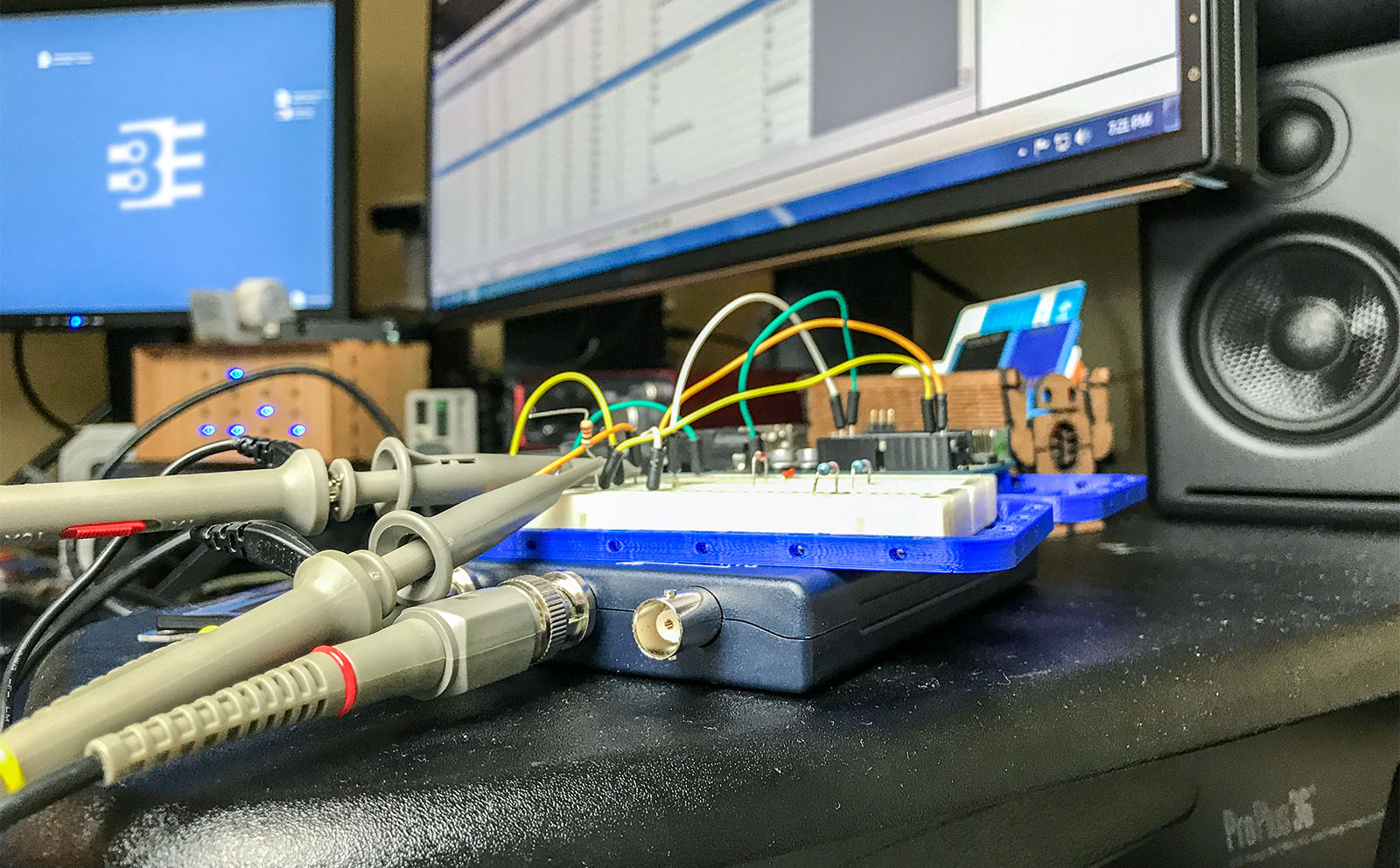
If you need a reason to be an Element 14 member, let me suggest their Road Test program. Companies partner with Element14 to get people to try out their gear. A couple of years ago I got a new microcontroller board. This week I received a new test instrument. Here’s my hands-on Picoscope 2204 review.

The scope is bus powered. With the BNCs and type-B USB connector, it is slightly larger than an external USB hard drive. There is not much weight to the device. It does not feel cheap, just lighter than I expected.

Getting the scope up and running is a breeze. Pico Tech included a CD (or DVD?) to install the software, but I could not find my drive to check it out. Software downloads from Pico Tech’s website work great. It looks like you can even download the software and use it in “Demo mode” if you are curious how it works–without purchasing anything.
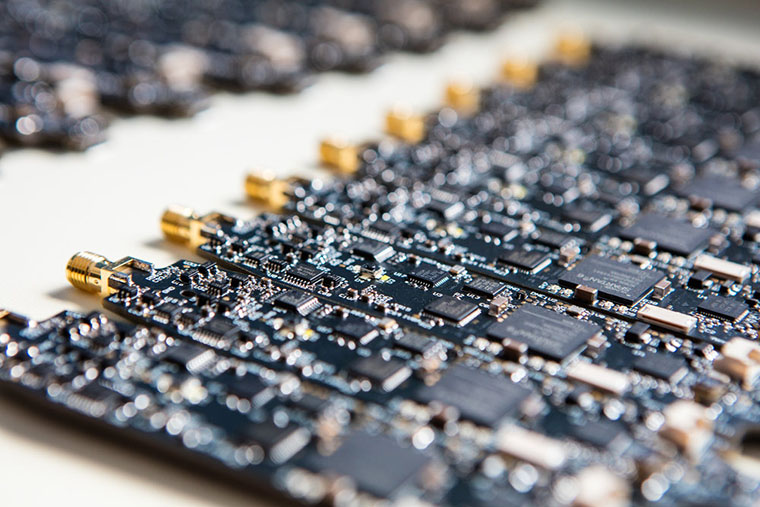
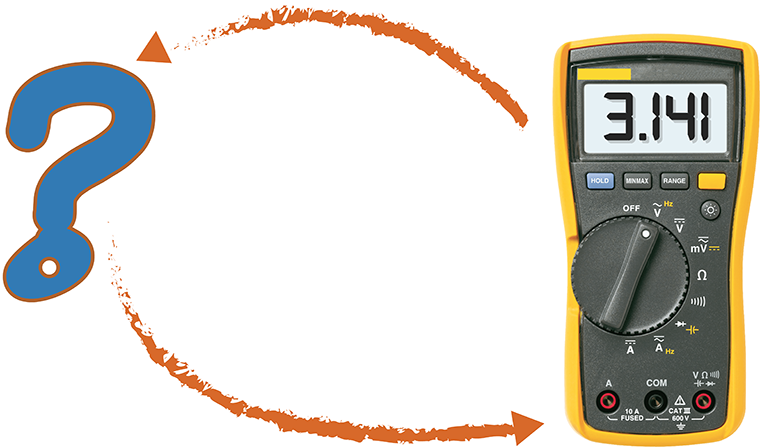
Previously, I reviewed the smartphone DMM, Mooshimeter. It is a great meter. One feature I didn’t spend much time on in my review was the ability to graph. Some see it as an “oscilloscope alternative.” The past couple of weeks, I’ve been using Aeroscope. It is a Bluetooth-based oscilloscope about the size of an older active probe. The Aeroscope runs $199 direct from Aeroscope Labs. The question I address in this Aeroscope review: is it better to buy this, a USB-based, or standalone scope for about the same money. How does it measure up?

My Aeroscope review looks at the specifications, the App that runs it and breaks down the key features. Let’s probe deeper.

A couple of weeks ago, I asked my subscribers for their favorite test equipment alternatives. The reason I asked, was because I recently picked up a Mooshimeter. It is a modern take on the multimeter. However, I will cover that in more detail soon.

While I am fortunate that my bench has the usual equipment like an adjustable power supply, oscilloscope, multimeter, and function generator, I know that not everyone else does. I also had to think back to before I had this equipment, what did I use to troubleshoot my circuits.

Sometimes when working on a project, whether hobby or professional, you just don’t have the tools you need on hand. Or worse, you cannot afford it. So here are some of the responses you all sent me.