Did you know it is possible to toggle the state of a Arduino OUTPUT pin using a single line of code?  It’s true!  It’s also possible to use digitalRead() on an OUTPUT pin.  Assuming pin 13 was set to output, this single line of code will cause the LED to change state (or flash) each time it is called:

digitalWrite(13, !digitalRead(13));
Keep reading to understand how these two tricks work.

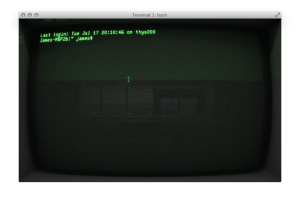
Cathode from Secret Geometry is, hands down, my favorite Terminal Emulator for OSX.  It is, in my opinion, (near?) perfect emulation of classic computer terminals from the 1980s.  When using it, it reminds me of how far computers really have come.  It is also one of the funnest ways to ssh into a remote host to edit a CSS file real quick.

I like keeping mine set to 14.4k baud emulation.  The screen blur, when running Full Screen in Lion, almost makes me forget I’m using an LCD!

What truly amazes me is all of the little bits of polish that go into the emulation.  For example, remember hitting the side of a CRT and getting a little bit of jitter?  Move the terminal window around and the same thing happens.  There’s even an option to take a picture from an iSight, which appears as a reflective image.

Below is a YouTube Video I put together to show it off a little bit compared to the boring regular Terminal.app.  Head over to Secret Geometry’s web site to download Cathode and enjoy nostalgic terminal emulation.

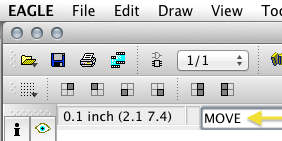
A very little known feature of EAGLE is the ability to type commands instead of clicking an icon on the toolbar.  This can come in handy when trying to perform multiple actions like selecting a group and moving it to a different part of the schematic.  For me, since I use OSX trying to use function keys in EAGLE can be more cumbersome than typing a few letters.