The seventh AddOhms TutorialCast has gone “live”. (Gone “uploaded” sounds wrong.) Being able to understand difference between an Arduino and a Pi is a critical point for many new electronics hobbyist. The boards seem so similar, but they are so different. AddOhms #7: Comparing the Arduino and Raspberry Pi
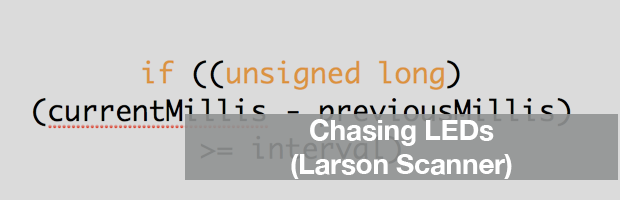
A popular LED project is the “Larson Scanner.” This scanner emulates the effect seen on KIT from Knight Rider and the Cylons in Battlestar Galactica. The code is usually written using “delay()” which means you can’t combine it with anything else. The following code could be put into a function, called periodically and allow your code to scan while doing other things.
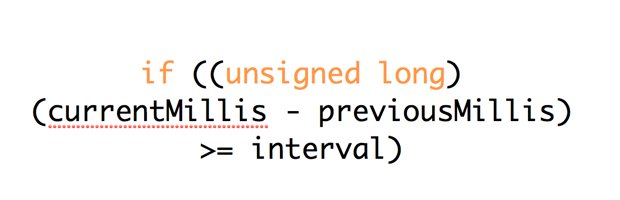
By far one of the most powerful functions of the Arduino library is the millis() counter. It is also one of the most misunderstood functions. Mastering millis() can unlock incredible amounts of potential with an Arduino. That’s why I’m spending an entire week on millis().
Each day this week I’m posting a new example of how to use millis() in your code. Each will be cataloged on this newly created Arduino Millis() Cookbook Page. If you have ideas for other examples, leave comments below.
Also, quick note. In doing this work I realized there was some issues with my previous Multitasking with Millis and How to Reset Millis() (hint, you don’t) posts which I’ve now corrected.
It’s 3am but you are not going to bed until you squash this last bug. You sprinkle Serial.print() statements everywhere you can think of, and then that’s when all hell breaks loose: Your code randomly locks up, the LEDs go crazy, and you’ve had it. What’s going on? You’ve run out of RAM!
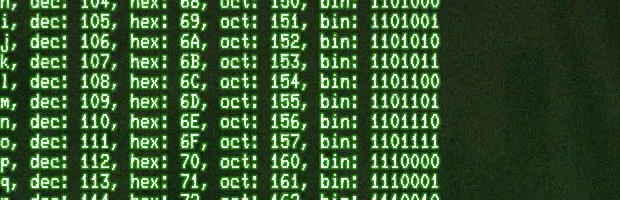
The Arduino IDE includes a “Serial Monitor” which is decent for basic serial communication. However, when you need real time serial interaction or data logging capabilities, that’s when one of these serial monitor alternatives can come in handy.