Category

Tutorials

Category

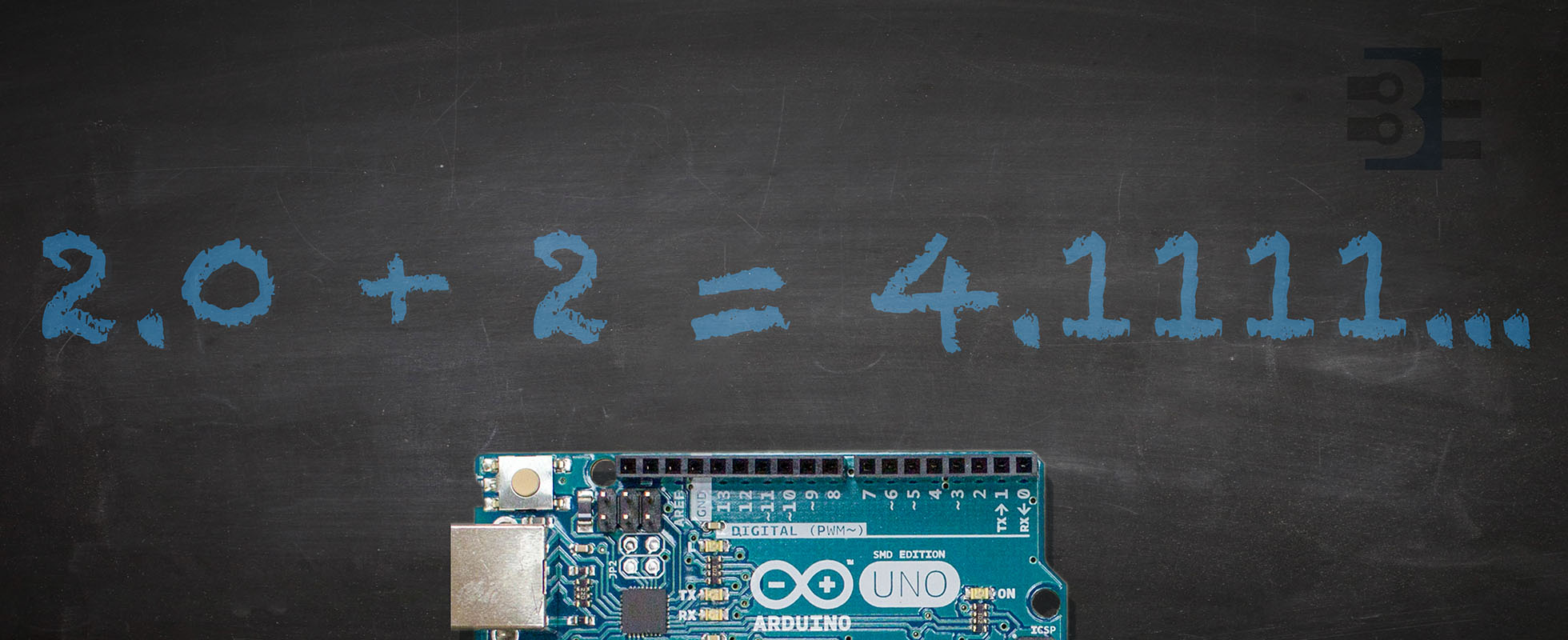
While the Arduino library does an excellent job of hiding some of C/C++’s warts, at the end of the day, it is still just C/C++. This fact causes a few non-intuitive issues for inexperienced programmers. When it looks like Arduino math is wrong, it is probably one of these reasons.

When people ask me for help with their programming, I check each of these Arduino math mistakes. If your code seems to be hitting a bug, check to make sure it is not how the compiler handles math.

Funny how a simple idea can spider out into multiple paths. Arduino EEPROM seemed like a straightforward concept. A few a years ago it was as easy as having either 512 or 1024 bytes of flash memory. The Arduino IDE offered an EEPROM library which let you read and write a single byte. Today, however, with many different processor architectures saving data to EEPROM varies. It is now possible to save any datatype to EEPROM but not on all boards and not all using the same method.

While programming an coin accepter sold by Adafruit on an AddOhms live stream, I discovered two “new” methods in the Arduino library. At least, these functions are new to me! A couple of years ago EEPROM.get() and EEPROM.put() appeared. Using these functions, you can store any datatype in EEPROM.

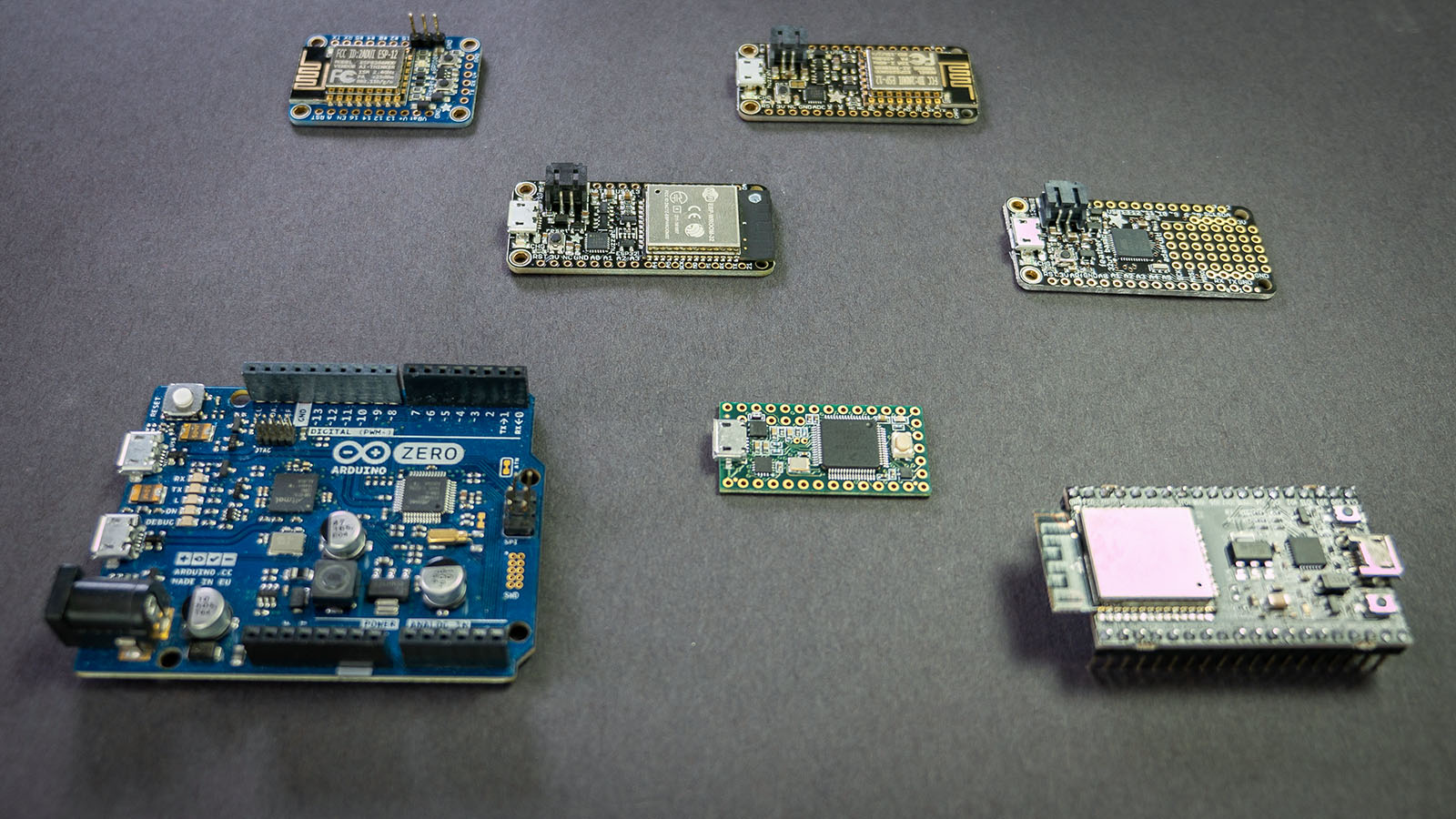
This post covers tidgets related to using Arduino EEPROM to store any value across multiple boards, or platforms. Specifically boards such as the Uno, Nano, Mega, and Zero are covered. Additionally Arduino-compatible boards from Espressif, PRJC, and Adafruit are covered as well.


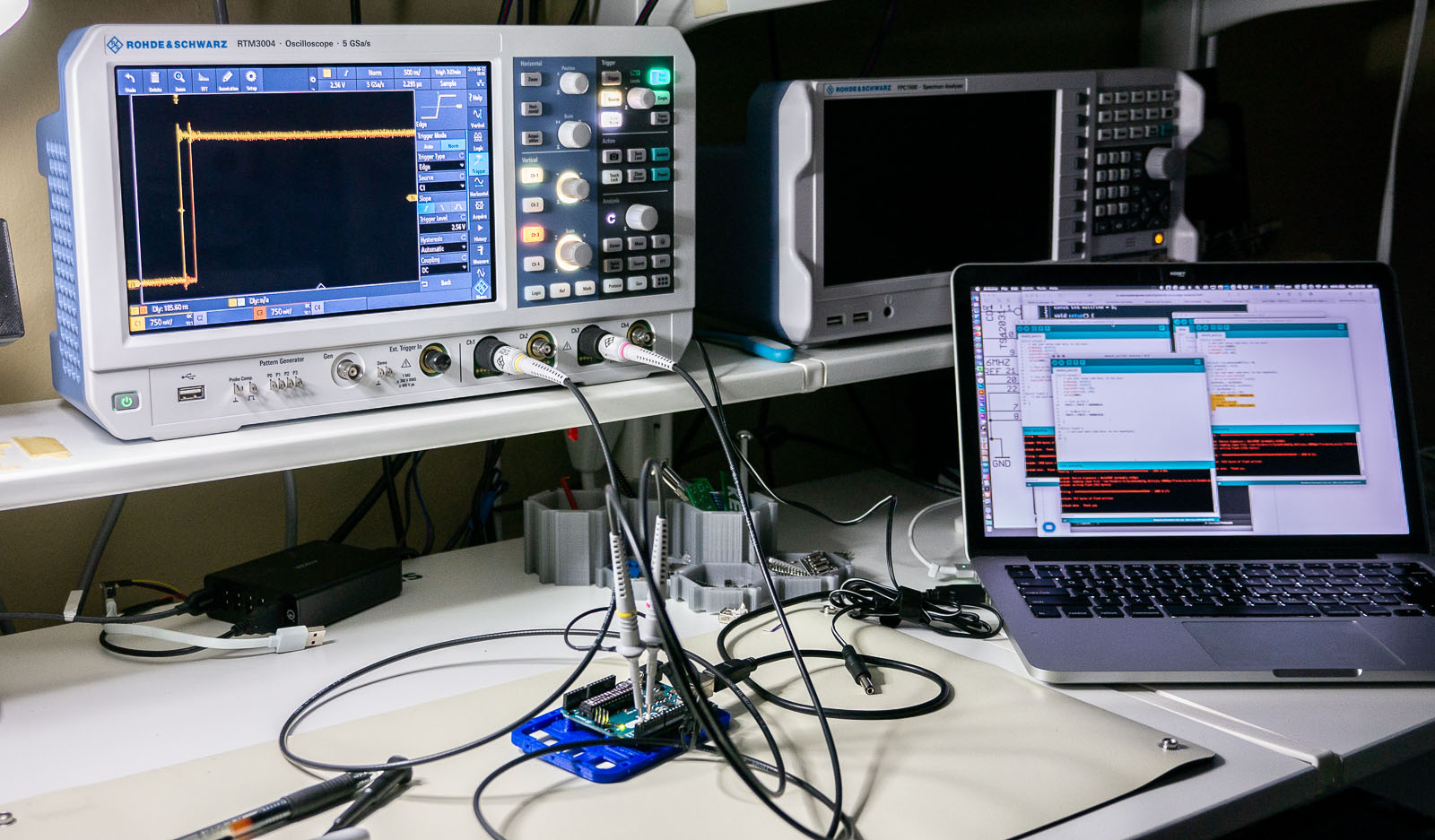
One of the best ways to learn how to use a new piece of test equipment is to use it. Sounds easy, right? The problem is, sometimes when you are in the middle of troubleshooting your circuit, figuring out what the knobs on your scope do is an immense frustration. Use these 6 oscilloscope measurements, and just an Arduino Uno, to learn how to use a new or unfamiliar digital scope.

This tutorial is not a step-by-step guide on how to make each of these measurements on a particular scope. Instead, it is a general explanation on how to setup the Arduino and a screenshot to help identify if you set up your scope correctly. I reference the R&S RTM3004. However, practically any two (or more) digital channel oscilloscope should work.

Between each measurement, I highly recommend using your scope’s default setup (or autoscale) before proceeding to the next one!

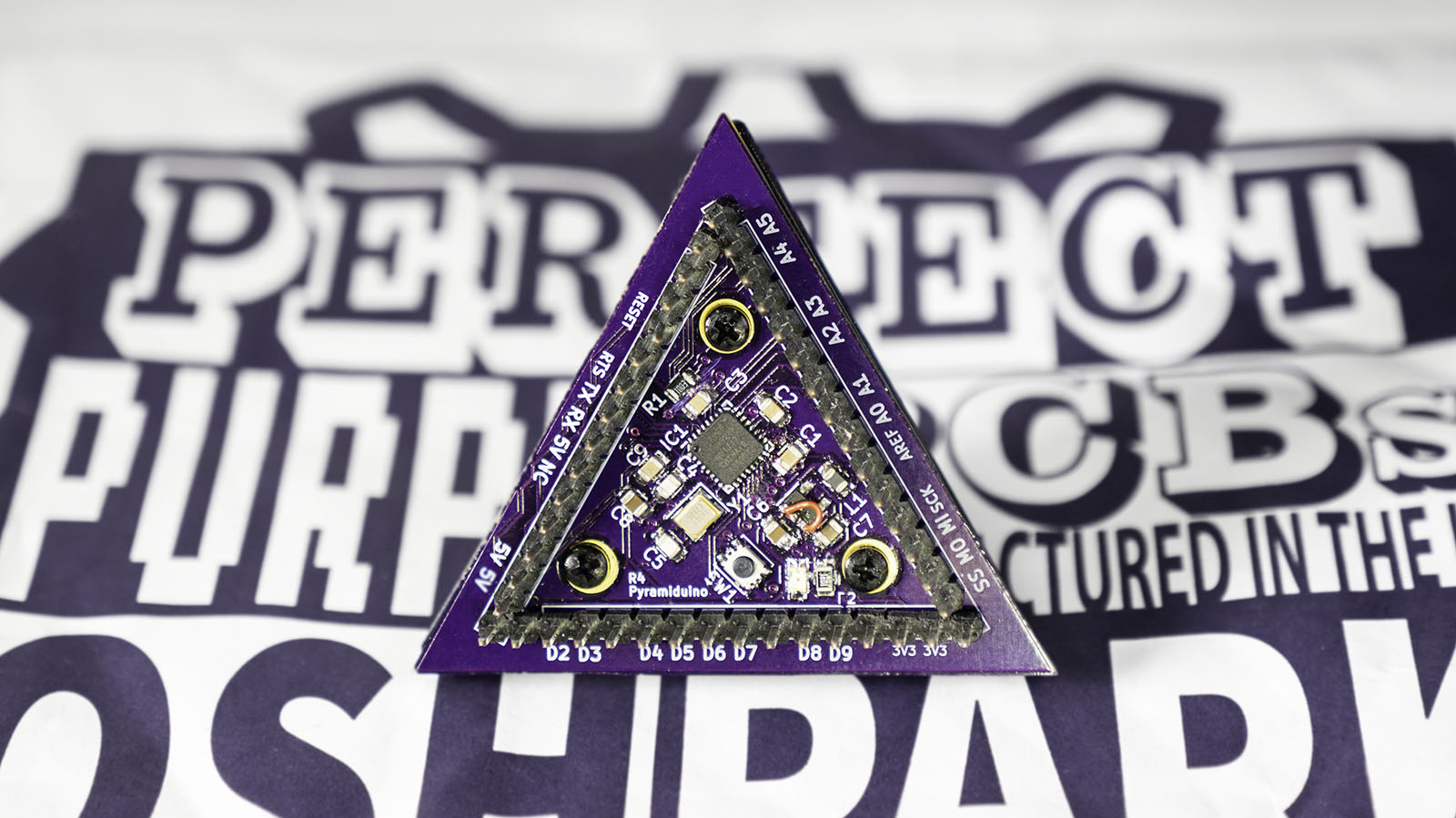
For an AddOhms series, I created a DIY Arduino I am calling the “Pyramiduino.” It is an ATmega328p based board in the shape of a triangle. Other than being cute, the shape does not offer any other benefit. The design features a 3.3 volt LDO Regulator, which is also the subject of this post.

I forgot a fundamental aspect of design: read the freaking datasheet. The board’s LDO regulator was not turning on. Adding a passive scope probe to the circuit suddenly fixed the problem. The regulator turned on. When touching the enable pin, it measured about 1.25 volts.  While I am sure Rohde & Schwarz would like me to ship scope probe with each board, that was not an option. With the impractical fix in place, I got to thinking about that voltage level. I remembered that the datasheet mentioned about 1.2 volts was needed for the “HIGH” threshold. Which meant, 1.25 volts applied to the pin enabled an active low input. Not only that, I remember the datasheet clearly said it had a pull-down resistor built-in. What was going on?