Category

Tutorials

Category

A DMM, or multimeter, is the go-to instrument for debugging most circuits. You probably already have at least one DMM on your bench for this reason. Me? I have three. But that’s a different story. Let’s talk about a Logic Analyzer.

Digital signals represent two states: on (usually “1”) and off (usually “0”). A multimeter (DMM) may be of limited value for these signals. When using the DC voltage measurement, you can see “something” is happening, but not exactly what that “something” is. For example on a PWM pin, you’ll see the RMS Voltage change as you modify the duty cycle. However, you can not see if the signal is “ringing” when turning on and off.

For debugging digital signals, a popular option is to use a Logic Analyzer. If you are not familiar with a logic analyzer, or you are not sure if you need one, this tutorial should help.

First I’ll give a simple overview of what a Logic Analyzer does, some considerations when to use one, and then give some terms to know when looking at them.

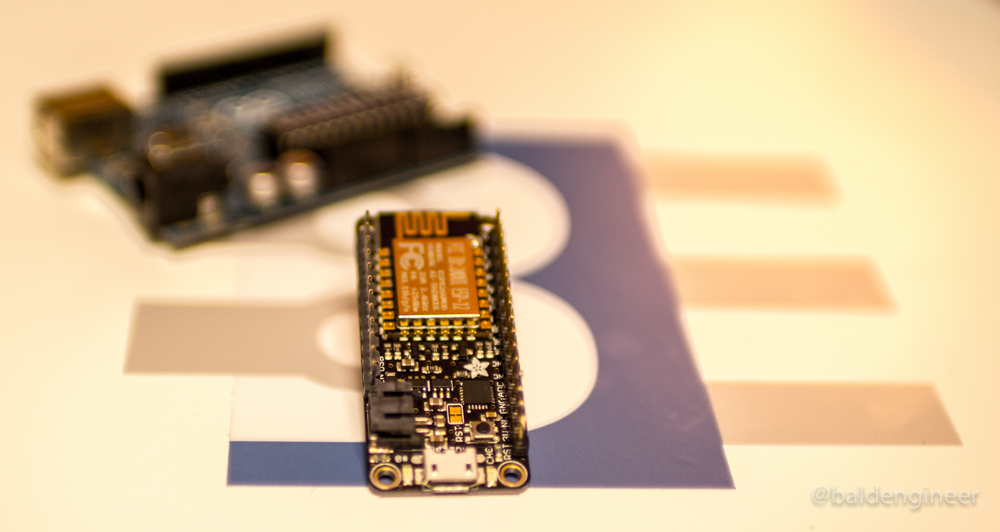
A couple of weeks ago I posted four things to know about the ESP8266 before using one. The biggest surprise from that post is people seem to think I do not like the ESP8266! This idea is not the case; the ESP8266 is awesome. I like them so much that my Adafruit Feather HUZZAH with ESP8266 has become my go-to Arduino board.

Wait what? James uses something other than Arduino? Yes, I do! I have many different boards and have used most of them for one task or another.

However, when it came to day-to-day “make something quickly” type work, I relied on my Uno. But not anymore. Here are the 5 reasons the ESP8266 is my go-to Arduino board.

MQTT is an easy way for Internet of Things (IoT) devices to communicate with each other. This light-weight protocol can be used with a simple 8-bit Arduino to a Raspberry Pi to a multi-core PC to Amazon Web Services. It is that versatile.

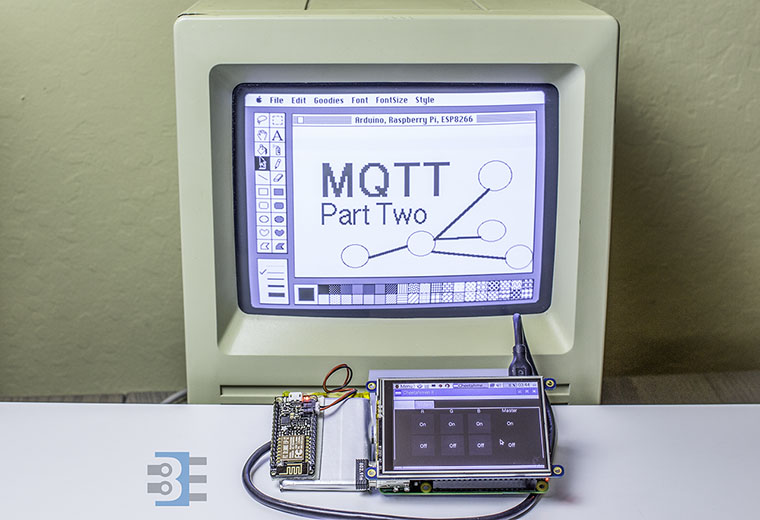
This MQTT Tutorial is broken into two parts. Part one is an MQTT Introduction. You’ll understand how publish/subscribe message brokering works. Next week, Part two will be a tutorial on using MQTT to communicate between a PC, Raspberry Pi, and ESP8266.

My favorite Raspberry Pi add-on is the PiTFT from Adafruit. With it, you easily get a Raspberry Pi GUI interface and touch screen. The PiTFT software install is just a few things and it is good to go.

Image from adafruit.com

This screen is what I needed for my IoT project. The Pi+Screen will act as the primary controller for all of my things. The problem is I didn’t know much about writing GUI applications in Linux. So what could I do to create a Raspberry Pi GUI?

Python is popular in Pi projects, so I decided to stick with it and find out what GUI toolkits are ready to go. “Ready to go” means they install easily on Raspian and work well on the Pi.

Here is how I got Qt5 for Python up and running to create a Raspberry Pi GUI.