Category

Blog

Category

While the buzzword “IoT “is relatively new, there has been a long time “internet of things” in operation. Those devices are called the far less sexy term “M2M” or machine-to-machine. These devices, around since the 90s, contain a microprocessor, some sensors, sometimes electromechanical hardware, and a cellular radio. These M2M devices were (and still are!) the early “Internet of Things.” Thanks to Hologram.io, you can join this new/old trend for free.

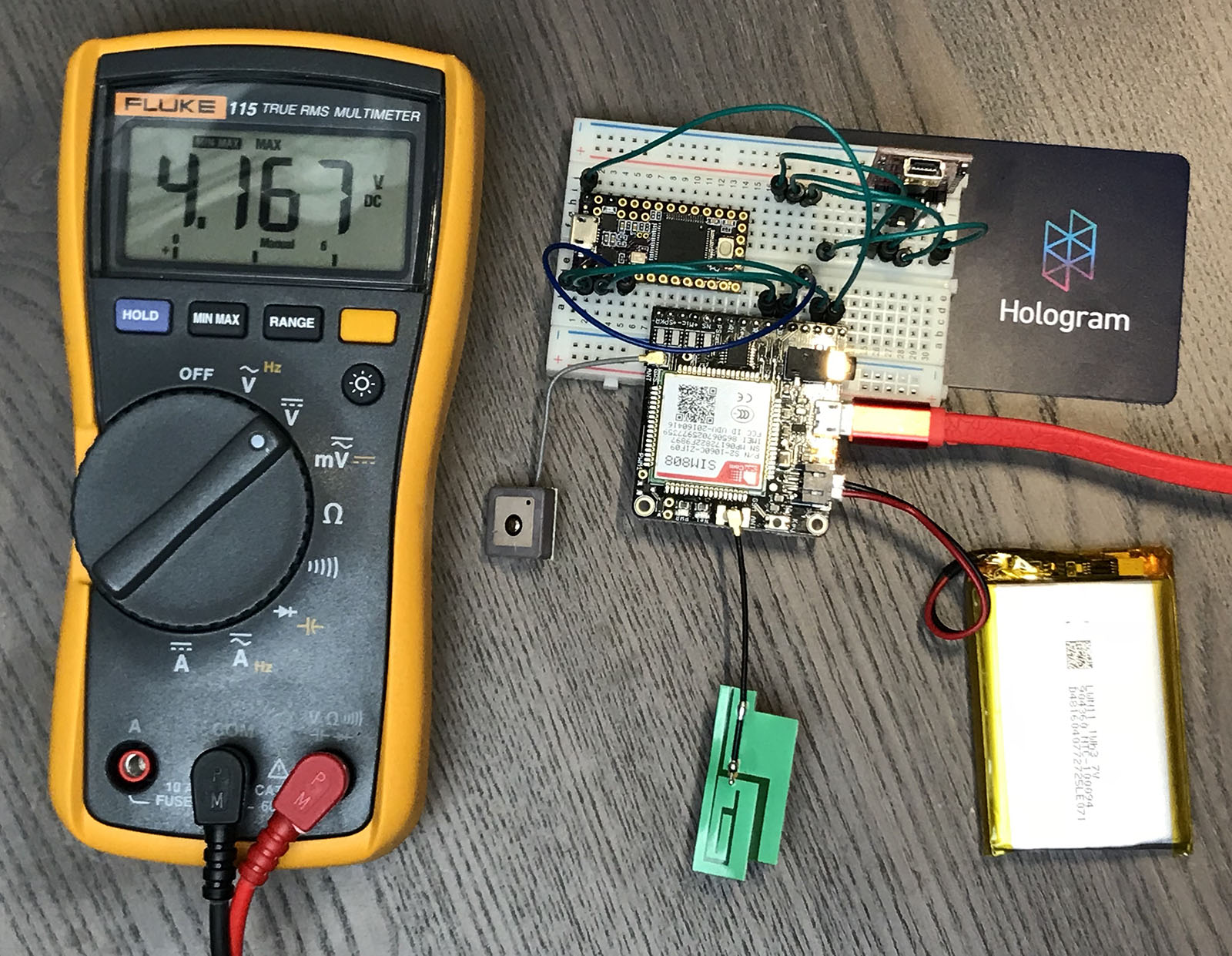
I decided it was time to up my IoT game with a GPRS, or 2G, data radio. In this post, I show the hardware I am using to create a 2G-based GPS tracker. It includes a Teensy 3.2 (Arduino) connected to a SIM808 Module (FONA) using a Hologram.io Developer SIM. It transmits GPS coordinates to an Adafruit.io Dashboard, which displays them on a map.

This post is not going to be a tidy tutorial. Instead, it is all the steps (and notes) I went through. I will cover:

  1. Hardware pieces I am using
  2. How to verify SIM808 (FONA) module is connected through Hologram via Serial Commands
  3. How to send HTTP/POST requests (including SSL) with the SIM808 (FONA)
  4. My (brute force) changes to the Adafruit FONA Library
  5. Code for sending MQTT payload (GPS Coords) to a dafruit.io dashboard

When done, you will be able to build something like a battery powered GPS Tracker, that updates over cellular. If you are in a rush, grab all the code from the FONA GPS Tracker Github Project.

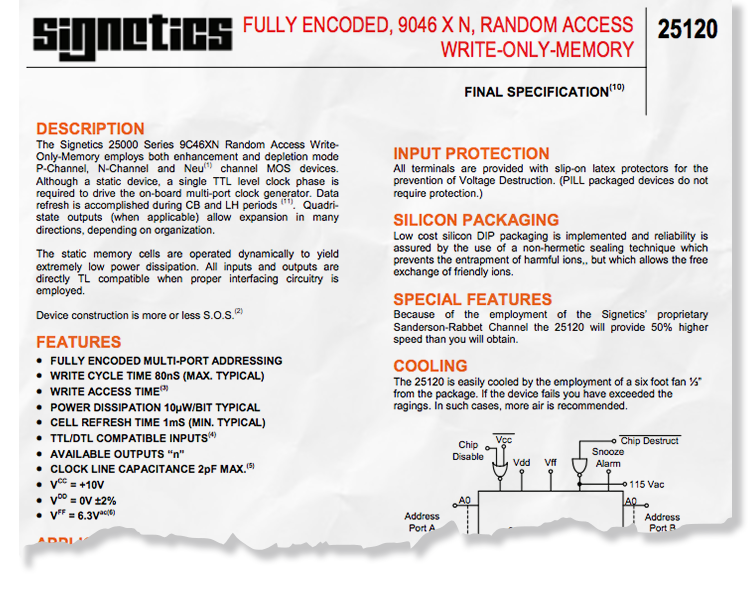
Signetics started as an IC manufacturer. In 1975 they were bought by Philips Semiconductors, which is now NXP. Interestingly the address in the datasheet, I think, was the original site. Today, it’s home to a Lowe’s Home Improvement Store. According to this Wikipedia article, it was created by John “Jack” Curtis. Apparently, it was included in a real Signetics catalog as a joke! Imagine that happening today. Additional information about the joke is available on sigwom.com. (Which may be written by Jack himself, not entirely sure.)

Download Signetics 25120 WOM Datasheet


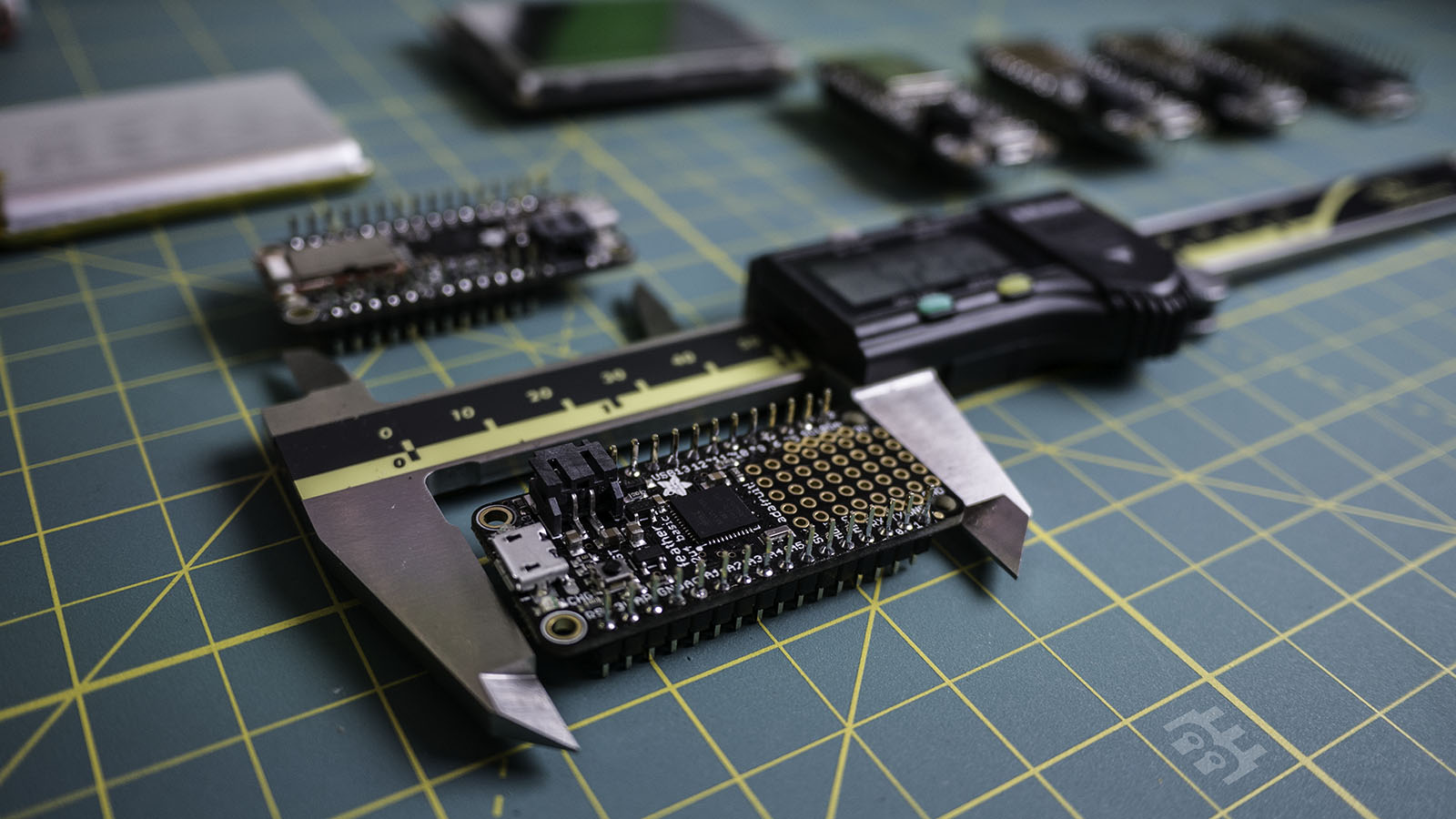
Four days ago, I found out I needed to make a piece of a costume. The idea was to combine a TFT LCD with a microcontroller and Bluetooth Low Energy. I checked my microcontroller bin and found some Adafruit Feather Boards. In this post, I will introduce the feather family and provide a decision chart for choosing the right one for your project.

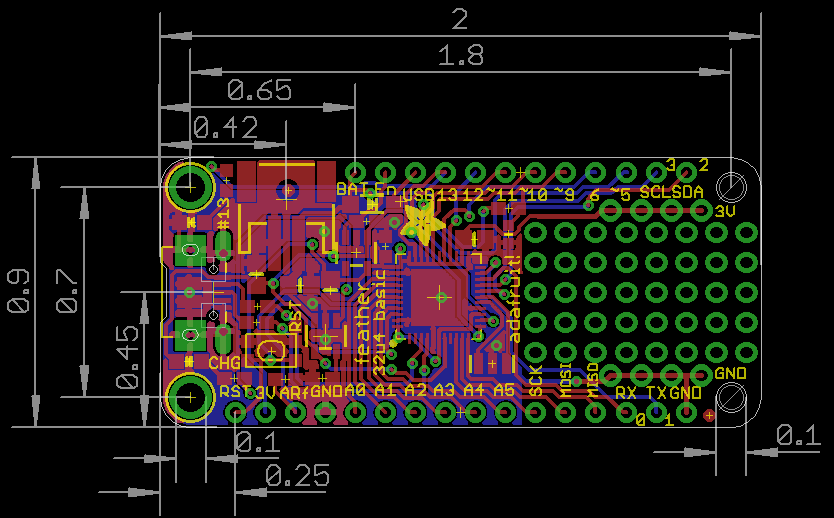
Image from Adafruit Learning System

The Feather board have a standard footprint and pinout. Most(All?) have a USB connector, a microcontroller, two rows of pins, and a battery charger. They measure 50.80 by 22.86 mm, which is 2.0 by 0.9 inches.

One of the last significant steps in a project is designing the custom PCB. This stage means creating a DIY Arduino board that is custom to the application. Two examples of my past projects are BinBoo, a Binary Clock, and Open Vapors, my reflow oven controller.

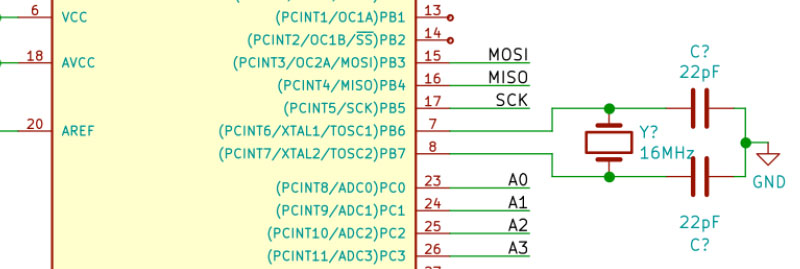
While working on a project for a friend, I got to thinking; it would be nice to have a checklist for circuit elements to include on a DIY Arduino board. In the early days, I forgot to add a filter cap to AREF, for example.

These tips are based on an 8-bit AVR design, like the ATmega328p chip. You could apply these tips to other 8-bit AVRs. Until now, I have not designed a custom board around a 32-Bit/ARM board. Though at only $16, I would be tempted to just solder the Teensy module directly to my finished board.

Below is a written list of items for a DIY Arduino checklist. If you’d like to see me design this board in KiCad, check out this AddOhms Tutorial.

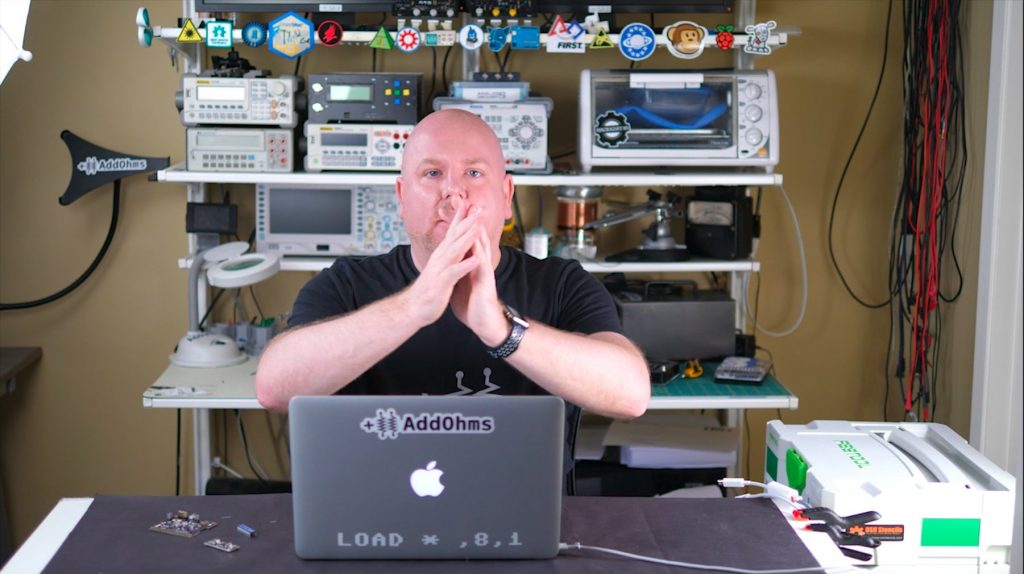
The next AddOhms Tutorial is how to design a DIY Arduino board. What are the elements you need to include in your own circuit design? While editing the video, I ended up on this frame. It looked to me like I was praying. (At one point I was having serious technical issues with my equipment. But it is unrelated to that frame!) On Twitter, my friend Philip had a different take.

What caption comes to mind when you see this picture? Leave a comment with yours.

Op-Amp Question

If you can’t think of a caption, maybe you can help with a different question. What your favorite LM741 op amp alternative? I’ve been working on some tutorials and videos on op-amps. I’d like to incorporate something other than the old stand-by.