Category

Blog

Category

With the introduction of the Raspberry Pi 4, I dug into the announcement and datasheet while waiting for mine to arrive. Well, “datasheet” might be an exaggeration, but there is a list of the Raspberry Pi 4 tech specs available. That link gives a bullet item list of the main specs. In this post, I focus on these four:

  • Broadcom BCM2711, Quad core Cortex-A72 (ARM v8) 64-bit SoC @ 1.5GHz
  • Up to 4GB LPDDR4-2400 SDRAM (depending on model)
  • Gigabit Ethernet
  • 2 USB 3.0 ports; 2 USB 2.0 ports.

There is a lot of very cool stuff on this $35 board. (Amazing they have kept that price point!) Or even the 4 GB $55 board. Adding Bluetooth 5, H.265 AND H.264 decoding, USB-C connector (Power), and changing the SoC to a 28 nm process are all significant improvements.

But, being an engineer and a person on the Internet, I am required to nitpick, and armchair engineer this (now) released product (that I haven’t touched yet.) Without doubt there will be a number of benchmarks posted along with the release of the Pi 4. And I expect many of those only benchmark individual components. For example, I already saw graphs on the Gigabit Ethernet speed and USB 3.0 throughput, but not at the same time. As you will see in my datasheet evaluation, using two USB devices at the same time has a performance penalty.

First, what is new with the SoC?

A project I work on in my spare time is creating a portable Apple II. Like many of my projects, one leads into another. I started out wanting to make a mobile Apple II, and now I’m working on a project called Bit Preserve. How did I get from one project to the next? Well, as I looked into how to make a portable Apple II, I realized a significant issue. The original Apple II logic board has almost 80 ICs. Being a design from 1975, they are all through-hole packages. The good news is that except for the ROM chips, they are all off-the-shelf components. But such a size means it might be impossible to turn it into something handheld. I almost abandoned the project. Then, I learned about a chip included in the Apple IIgs. The name of the ASIC is “MEGA II.” (Nothing to do with Arduino.) It is a chip that integrates all of those off-the-shelf chips into an 84 pin package.

As I dove deeper into the project, I realized I needed other support chips to make the MEGA II useful. There is a decent book that discusses the technical details of the Apple IIgs, but it does not get into chip or board level design. For that detail, I had to look at the original schematics. While I am ecstatic that someone archived these original documents as PDFs, I quickly became frustrated. Sometimes the scan quality is not very good, and it is nearly impossible to search for symbols across multiple pages. I thought to myself, “There has got to be a better way!”

Bit Preserve on GitHub

I had the chance to spend some time with the Arduino team before and during Maker Faire Bay Area 2019. I also attended Massimo’s “State of Arduino” talk. In short, there are new Arduino Nano boards coming, a certification available today, updates on the Vidor, interesting education kits, and one more special announcement.

It rained most of the weekend, which I am sure caused attendance to take a hit. Normally this would not be a big deal, but there was some talk it may be the last year for the Bay Area’s show. As usual, I walked the show on Friday and did take note there were several new exhibitors throughout. For that reason, I hope it is not the last one.

Depsite the grim news, spirits from attendees were high. On Saturday I helped answer questions and give out t-shirts at the Arduino booth. The time flew by fast but not before I got to overhear and explain tidbits about this year’s Arduino announcements.

New Arduino Nano (Every, IoT, BLE, and BLE Sense)

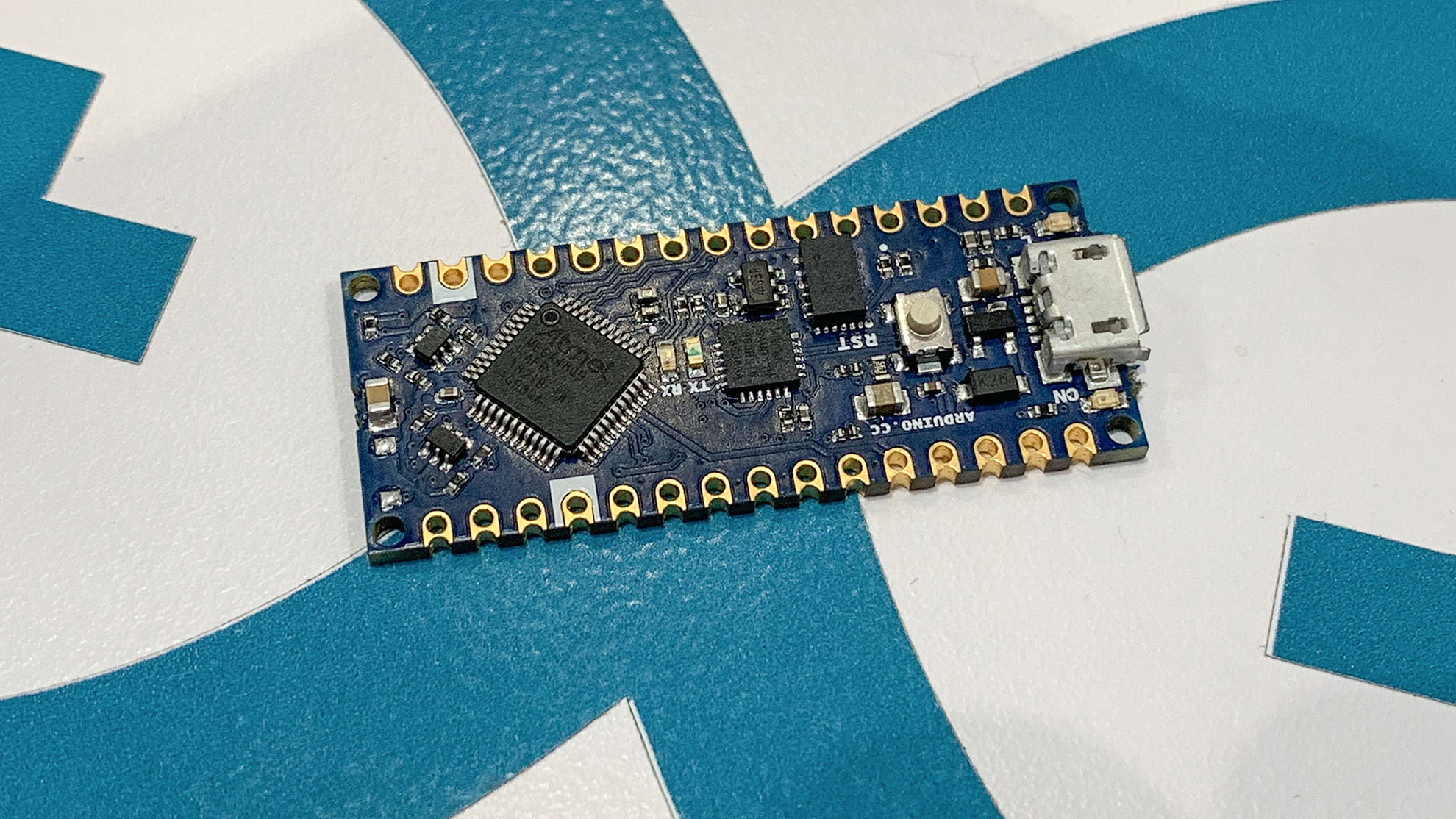
My favorite announcement, hands down, is the new Arduino Nano boards. The boards are a new small form factor featuring castellated edges. A “castellated edge” means you can solder the entire module to a PCB. It is a cost-effective way for adding a complex microcontroller solution to small and medium run products. You might be familiar with the concept from the ESP, WiFi, or Bluetooth modules.

The board form factor is really the only thing these new Arduino Nano boards have in common. Each offers a slightly different feature set. Oh, and the price for each is shocking for an Arduino branded board.

New Arduino Nano Every

Arduino Nano Every

In April 2019, hardware hackers, hobbyist, and engineers joined together for the first KiCon. A couple of people asked me, “why is there a conference for KiCad?” Some questioned if KiCad was significant enough software to warrant a conference. That question is valid. But KiCon is larger than the KiCad software. Even in its first iteration, KiCon evolved more into a meeting for people building electronics hardware from small scale hobbyist to professionally designed systems, than just a conference on a single piece of software. Some might call it a maker conference. I call it a hardware developer conference. The key that tied everyone together is the open source software behind our printed circuit boards.

Twenty-five different talks covered basic KiCad usage, automating tasks, PCB layout techniques, and projects designed in KiCad. Wayne Stambaugh ended the first day with a State-of-KiCad discussion. He introduced the feature list for KiCad 6. Additionally, he announced four new lead developers and that he would be working on KiCad full time. That news means it is likely KiCad 6 will be here faster than the usual two-year release cycle.

In addition to the talks, there were several workshops and panel discussions. The workshops included a getting started with KiCad lead by Shawn Hymel [link]. That one was cool to keep an eye on because people were designing their first PCB, milling it, and then soldering parts to make the boards blink. In another workshop, Anool Mahidharia provided a hands-on guided introduction to FreeCAD. It is a parametric mechnical cad tool. The panels featuerd PCB manufactureres, workflow discussions, and the KiCad development team.

Outside of the planned classes and activities, I finally shook hands with friends whom I only knew through social media. Even though we are all electronics enthusiast or professional engineers, it is rare we end up at the same place at the same time. See what I mean about KiCad connecting liked minded people together?

With so much going on, I realized I couldn’t cover everything. Instead, this post’s focus is the tidbits I learned at the conference and stuck with me after a little bit of time passed. Here are the six things I learned at KiCon 2019.

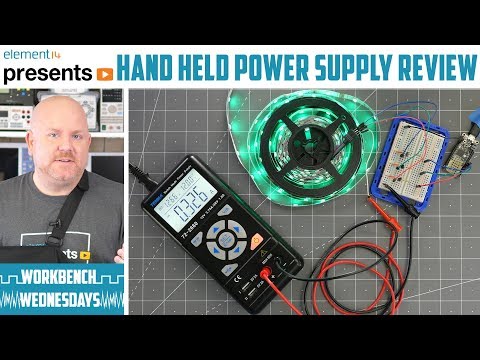
The TENMA 72-2660 portable power supply offers bench supply capability in a backpack-friendly package. The single output is capable of 45 watts with up to 30 volts and 3.75 amps out. The built-in USB ports offer an easy way to power 5 Volts Arduino or Raspberry Pi projects while limiting their current. See how this portable supply performs, the things the Bald Engineer likes about it, and the points to consider before buying

This $100 power supply, model number 72-2660, is cool. It’s about the size of a digital multimeter but can output 45 Watts. Both voltage and current are adjustable. It can output up to 30 volts and 3.75 amps, but not at the same time. It does have a flaw in its design though. Fortunately, I was able to find and apply a fix for it. Overall, if you want a portable adjustable supply, this one is worth checking out.

If you are new to bench or lab power supplies, check out this bench power supply basics video.

To answer a common question: yes, I did injure my shoulder. Right before shooting the A-Roll, the parts with me on camera, I tripped. As I went to catch myself falling, I tore two of the muscles in my shoulder. It took about 6 weeks to completely heal. Yuck!

Show notes on element14