Category

Blog

Category

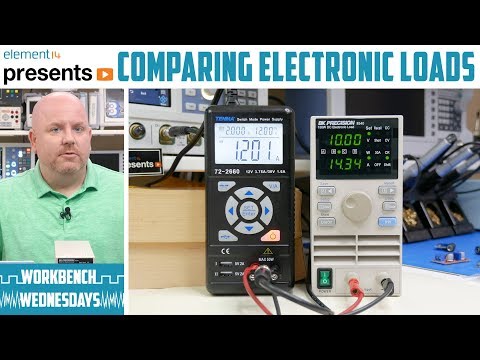
During the Bench Power Supply basics video, I made use of my electronic load. An electronic load can sink current from power sources such as power supplies or batteries. Loads are useful to test a power supply’s design margin or verify a battery’s capacity. See how three different instrument options from ultra low-end to midrange to high-end compare. After this element14 Presents Workbench Wednesday video, you will understand how to use modes on an electronic load like constant current and constant resistance to make different measurements.

In the video, I compare three different types of tools: a $50 battery tester from eBay, BK Precision 8540 Electronic Load, and a high-end Rohde & Schwarz NGM202. They are all capable of acting as a constant current sink. In other words, you program the current and let the supply under test run. In the case of batteries, this mode is useful to test battery life. The 8540 and NGM202 both feature other capabilities like constant resistance which, as you can imagine, acts as an electronic resistor. The cool thing about using an electronic load as a power resistor is that some of them are capable of sinking up to 10s of amps.

After submitting the video to the producers, I realized I focused very heavily on batteries. More often, you use an electronic load to test power supply boards or modules. I wish I had shown those more, but it didn’t seem like it was missing until the end. So maybe in the future, I can convert tools for measuring DC/DC power supplies? However, I did cover one topic significant to me. I show just how bad 9V batteries are, a topic which I like to come back to often. So I made sure to show off just how bad they work when driven past 100 mA. (It is terrible!)

Learn more at element14
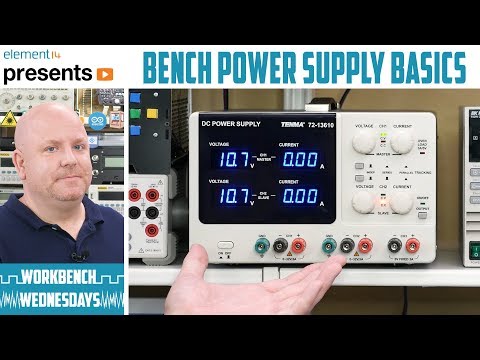
A bench power supply makes powering circuits easy and safe. Learn how to adjust basic controls like voltage. Finally, see how “current limiting” works (and why you should use it.) See how you can use built-in series or parallel tracking to increase a bench power supply’s voltage or current output. Last, if you are in the market for a power supply, do not forget to add some leads like mini-grabbers, alligator clips, and banana plugs.

See more at element14

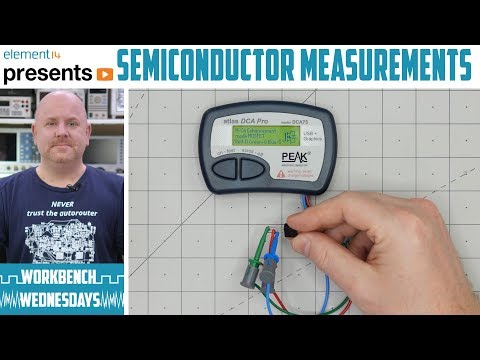
When it comes to transistors, there are only so many things a multimeter can measure. The DCA Pro from PEAK Electronics makes short work of testing parts like a transistor. This small device can determine pinout, component type, and essential parameters in a matter of seconds. Not only that but it can be connected to a (Windows) PC and draw parameter curves.

Check out the video review to see how the device and software work. Then head over to the element14 page where you can download a zip file full of example parts I measured for you. Use the free DCA Pro software to open them.

You might also want to check out this MOSFET Curves post, which complements this video tutorial. Another resource you might find helpful on semiconductors, or transistors, is this post on MOSFET Myths.

See more on element14

Python is everywhere. Its capabilities continue to grow. Not only can you create simple scripts, but you can create full-blown applications with it. The core has been scaled down to run on 32-bit microcontrollers like the ESP32 and Adafruit Feather M0. You can even use Python engineer modules to design stuff like circuits. There are electronics Python modules that create schematics, simulate circuits, and make solving math a cinch. Here are some of the modules I found that make Python usable for (electronics) engineering.

Upfront, make sure you have a functioning Python environment. Update the package manager “pip” since all of these electronics python modules rely on it. Speaking of dependencies, you may need to also install third-party libraries for some of them. From what I can tell, these all should be platform-independent. However, I only tested these electronic modules with 64-bit Windows.

[guestpost]My friend Pablo recently upgraded his firestarter iron to a Hakko FX-888D. Because of its popularity and his relative newness to the iron, I asked if he’d like to write up a review for it. You can follow him on twitter.[/guestpost]

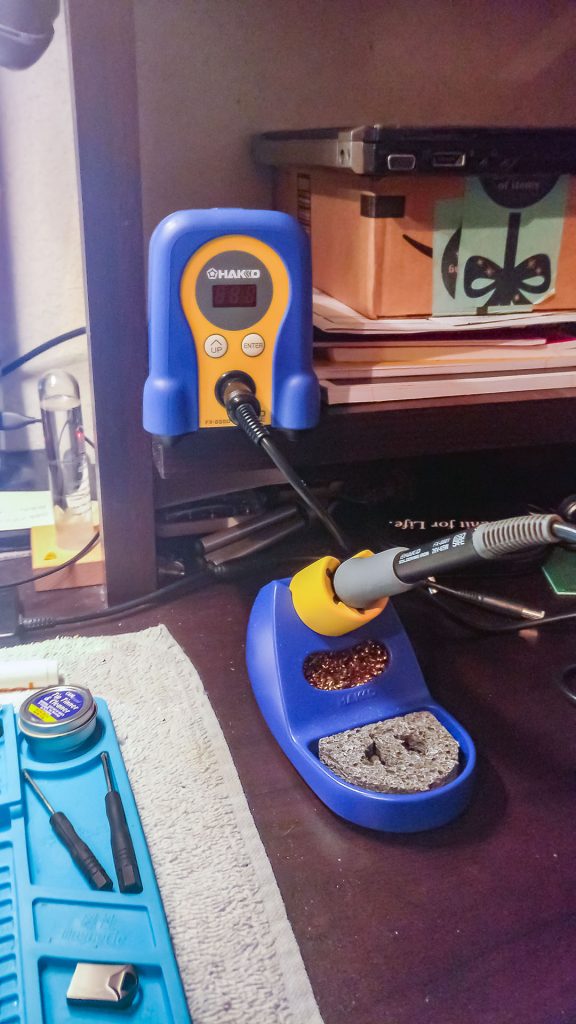
Just based on the color, the Hakko FX-888D seemed, at first, like it was a toy compared to other electronic tools and equipment. The color does make it easy to spot even if you are buried in a project. You can quickly find it because it stands out. The outside seems like plastic, but it is made from or encased in metal. Knowing that it was only a plastic enclosure made me feel like this will be with me for a long time.

I love how the iron holder is separate from the base. It easily can be placed anywhere in the work area. Also, keeping the base unit in one spot makes life so much easier. It gives the iron itself enough room so nothing nearby can accidentally be melted or burned by the iron.

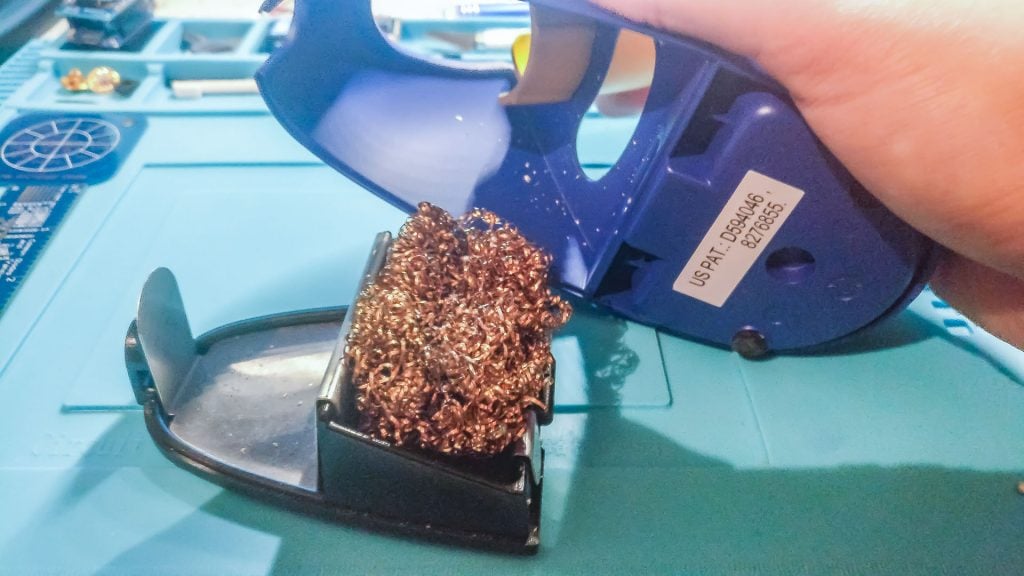
The iron holder also has a convenient area for a cleaning wire and a cleaning sponge. I only wish that the opening for the cleaning wire was a bit bigger. As is, I regularly clean the tip using the same spot. Having the removable bottom makes it so easy to clean all the solder junk that collects at the bottom from the cleaning wire. If only the rubber legs were a bit wider, they would help keep the iron holder from sliding around my desk. (This could be just because of the type of tabletop I have it sitting on.)

Removable FX-888D tray