When learning to use an Arduino, you have two things to learn: programming and hardware. In the past, I’ve taught some classes on how to program the Arduino. These are the slides I used to explain what the Arduino “Language” is, basic debugging concepts, how to use variables, and basic structures.
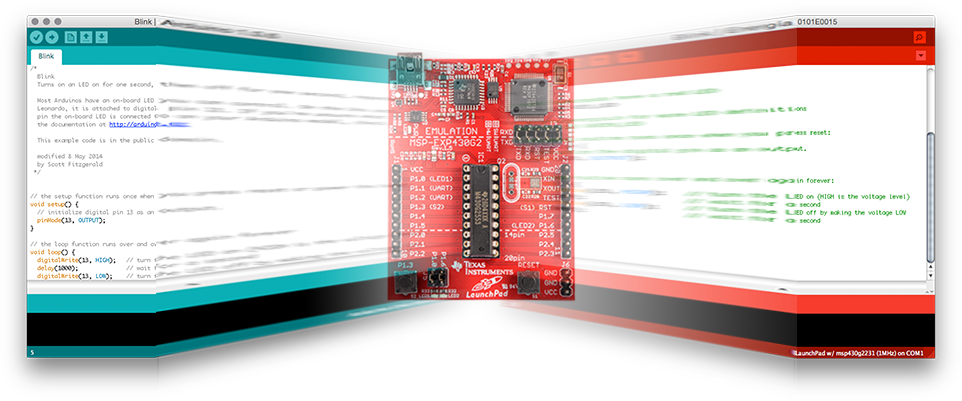
An Open Source IDE for TI’s line of MSP430-based boards. Based on the same software as the Arduino project, Energia brings easy of use to an awesome family of microcontrollers.
Today “regular” people will start receiving their pre-ordered Apple Watch. Whether they spent $350 or over $10,000 dollars, they’ll now have a device that connects to their iPhone and tells time. Like their iPhone does. But with Bluetooth!
What if you don’t want an Apple watch, but want to celebrate a real computing achievement? Check out this video on an Apple ][ watch. Oh and it is real.
That’s right, this isn’t just some clever movie-magic hoax. Following this Instructable, you can build your own Apple ][ Watch.
Does Energia stack up as one of the Arduino alternatives?
[featured-image link=”/energia-and-msp430-arduino-alternative.html” single_newwindow=”false” alt=”Energia – An Arduino Alternative”]
With all the recent noise around Arduino LLC and Arduino SRL, I felt like I needed a break from Arduino. So I decided to come back to a platform I set aside a while ago: TI’s MSP430.
Previously I wrote it off because of the Windows-centric software. In fact, I made my first “review” video based on it. (I’m a Mac / Linux guy.)
In this post, I’m looking at an open source IDE that’s available called Energia. It makes using the MSP430 series boards a snap. And, by the way, makes for a great Arduino alternative.
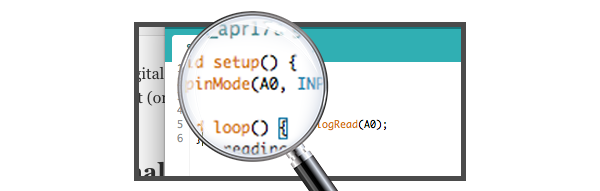
All Arduino boards contain analog and digital pins. The Arduino functions have different calls depending on the pin type. For example, when calling analogRead(), an analog input pin is automatically changed from a digital input (or output) into an analog input. For this reason, it isn’t necessary to call the pinMode function on the pin. However, when I write Arduino Sketches, I still put a pinMode(A0, INPUT) in setup anyway.
Keep reading to see why I use pinMode on Analog Inputs.