Today “regular” people will start receiving their pre-ordered Apple Watch. Whether they spent $350 or over $10,000 dollars, they’ll now have a device that connects to their iPhone and tells time. Like their iPhone does. But with Bluetooth!

What if you don’t want an Apple watch, but want to celebrate a real computing achievement? Check out this video on an Apple ][ watch. Oh and it is real.

That’s right, this isn’t just some clever movie-magic hoax. Following this Instructable, you can build your own Apple ][ Watch.

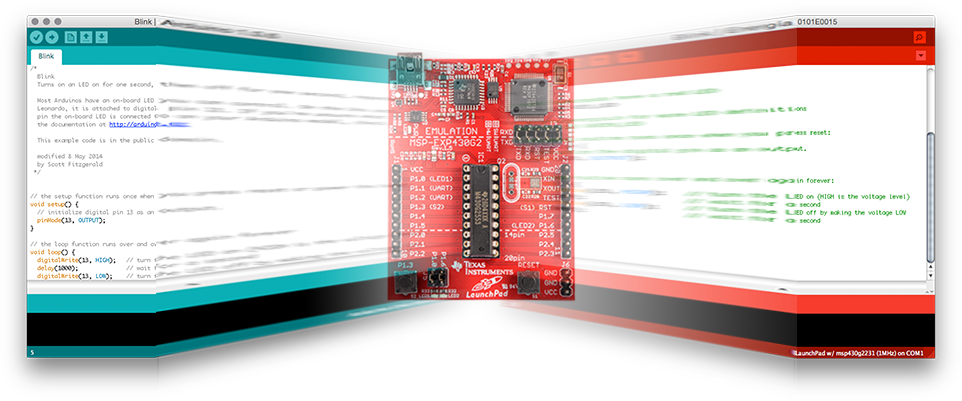
Does Energia stack up as one of the Arduino alternatives?

[featured-image link=”/energia-and-msp430-arduino-alternative.html” single_newwindow=”false” alt=”Energia – An Arduino Alternative”]

With all the recent noise around Arduino LLC and Arduino SRL, I felt like I needed a break from Arduino. So I decided to come back to a platform I set aside a while ago: TI’s MSP430.

Previously I wrote it off because of the Windows-centric software. In fact, I made my first “review” video based on it. (I’m a Mac / Linux guy.)

In this post, I’m looking at an open source IDE that’s available called Energia. It makes using the MSP430 series boards a snap.  And, by the way, makes for a great Arduino alternative.

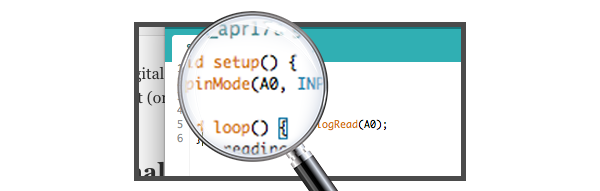
All Arduino boards contain analog and digital pins. The Arduino functions have different calls depending on the pin type. For example, when calling analogRead(), an analog input pin is automatically changed from a digital input (or output) into an analog input. For this reason, it isn’t necessary to call the pinMode function on the pin. However, when I write Arduino Sketches, I still put a pinMode(A0, INPUT) in setup anyway.

Keep reading to see why I use pinMode on Analog Inputs.

Most of the major electronic blogs have covered the controversy between Arduino LLC and Arduino SRL. My first deep look into it was from Hackaday’s Arduino v. Arduino. Since it has been covered so well by others, I won’t re-hash the already known facts.

If you want to join in giving feedback to these companies, please tag your posts, tweets, and content with “#OneArduino“.

Click to keep reading and see the letter.

Behind-The-Scenes of AddOhms #14

After moving from learning a new tool to mastery, the resistance for me to switch becomes very high. This can apply to hardware tools like a drill, saw or CNC milling machine. It can also apply to software tools like EAGLE, Programming Languages or video editing software. In AddOhms #14, I gave an overview of the VirtualBench from National Instruments which I’ve covered on this blog as a hands-on, written review and video review.

[featured-image size=”featured” single_newwindow=”false” alt=”learn a new tool” title=”learn a new tool”]Photo courtesy of smuay/Shutterstock.com[/featured-image]

For this AddOhms Behind-The-Scenes look, I talk about my experience with changing my tool set, the most critical tool in fact, I use for creating AddOhms Videos. If you’ve ever wondered how I do those hand animations, keep reading for the deepest look yet into my workflow.