Category

Tools

Category

The TENMA 72-2660 portable power supply offers bench supply capability in a backpack-friendly package. The single output is capable of 45 watts with up to 30 volts and 3.75 amps out. The built-in USB ports offer an easy way to power 5 Volts Arduino or Raspberry Pi projects while limiting their current. See how this portable supply performs, the things the Bald Engineer likes about it, and the points to consider before buying
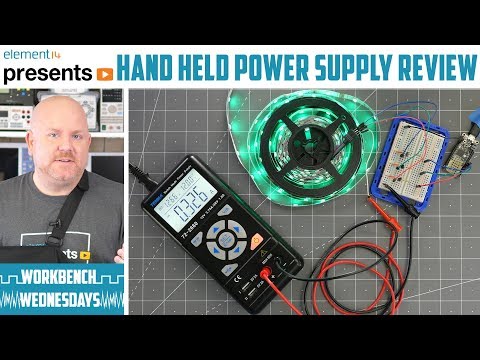
This $100 power supply, model number 72-2660, is cool. It’s about the size of a digital multimeter but can output 45 Watts. Both voltage and current are adjustable. It can output up to 30 volts and 3.75 amps, but not at the same time. It does have a flaw in its design though. Fortunately, I was able to find and apply a fix for it. Overall, if you want a portable adjustable supply, this one is worth checking out.

If you are new to bench or lab power supplies, check out this bench power supply basics video.

To answer a common question: yes, I did injure my shoulder. Right before shooting the A-Roll, the parts with me on camera, I tripped. As I went to catch myself falling, I tore two of the muscles in my shoulder. It took about 6 weeks to completely heal. Yuck!

Show notes on element14
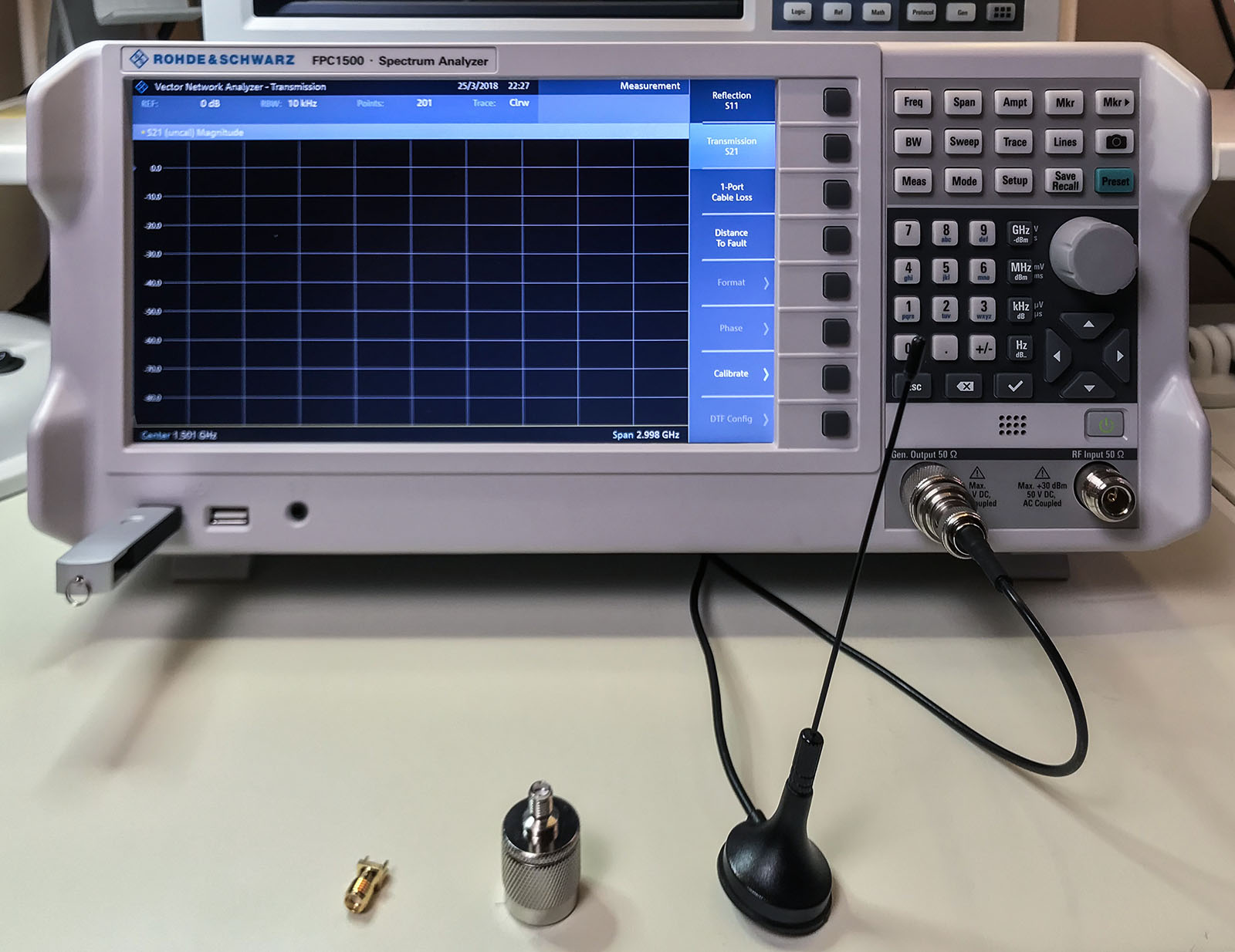
Everyone’s first piece of test equipment should be a multimeter. Next is probably a power supply with current limiting. For many engineers, the next step is an oscilloscope. At least those working on digital electronics. Even if you are not working with RF, do not overlook a spectrum analyzer. The Rohde & Schwarz FPC1500 is three instruments in one: a Spectrum Analyzer, RF Signal Source, and a Vector Network Analyzer. In this post, I combine an FPC1500 review with an introduction to these frequency domain tools.

tl;dr; I recommend buying the FPC1500.

Previously, I reviewed the smartphone DMM, Mooshimeter. It is a great meter. One feature I didn’t spend much time on in my review was the ability to graph. Some see it as an “oscilloscope alternative.” The past couple of weeks, I’ve been using Aeroscope. It is a Bluetooth-based oscilloscope about the size of an older active probe. The Aeroscope runs $199 direct from Aeroscope Labs. The question I address in this Aeroscope review: is it better to buy this, a USB-based, or standalone scope for about the same money. How does it measure up?

My Aeroscope review looks at the specifications, the App that runs it and breaks down the key features. Let’s probe deeper.

A couple of weeks ago, I asked my subscribers for their favorite test equipment alternatives. The reason I asked, was because I recently picked up a Mooshimeter. It is a modern take on the multimeter. However, I will cover that in more detail soon.

While I am fortunate that my bench has the usual equipment like an adjustable power supply, oscilloscope, multimeter, and function generator, I know that not everyone else does. I also had to think back to before I had this equipment, what did I use to troubleshoot my circuits.

Sometimes when working on a project, whether hobby or professional, you just don’t have the tools you need on hand. Or worse, you cannot afford it. So here are some of the responses you all sent me.

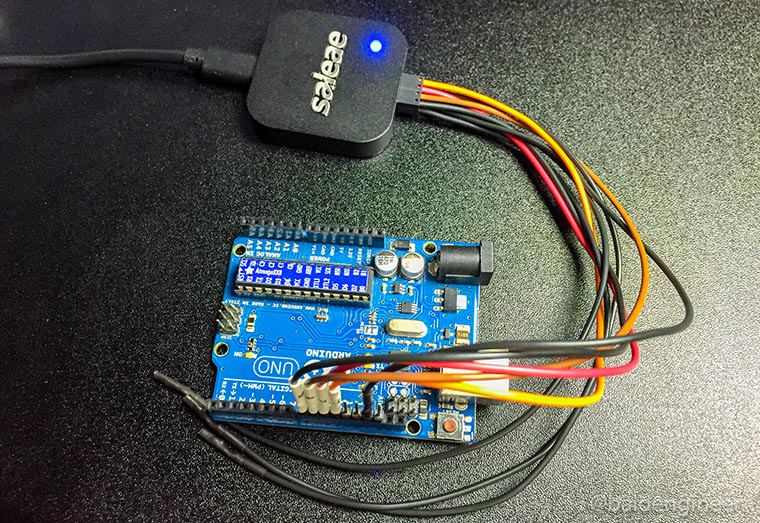
Recently I picked up a device called Logic from Saleae. It’s a 4-channel USB-based logic analyzer. While learning how the simple, but effective, UI works I ran some timing benchmarks on my Arduino Uno. The subject? digitalWrite(). I wanted to know how fastdigitalWrite() could turn on two (or more) pins.

Almost all Arduino users start out with the simple “blink” sketch. Turn pin 13 ON, delay, turn it OFF, and delay again. The heart of this version of “Hello World!” is the digitalWrite() function. Many Arduino users never even think about all of the stuff this single function call hides.

In this post, let’s compare the speed of digitalWrite() to direct port manipulation, using a logic analyzer.