

For Christmas this year, I decided to do something different for my immediate family. Instead of trading gift cards like we usually do, I decided to put to use the Laser Cutter at my Local TechShop. When done, I decided to use iMovie on my iPhone to make a mini trailer…

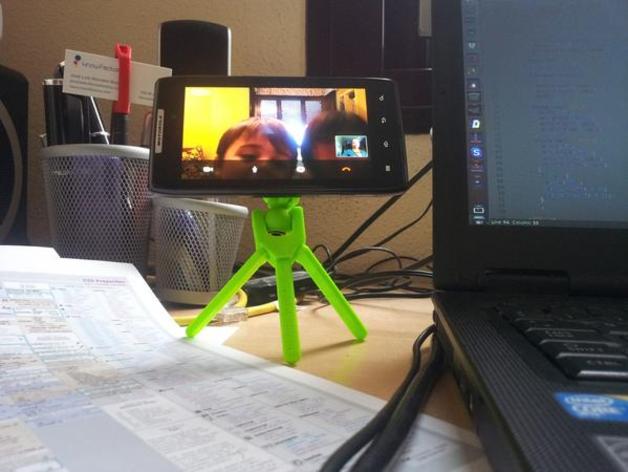
Recently TechShop opened up one of their shops in Round Rock which is just a few minutes from Austin, where I live. TechShop is an awesome membership based workshop with a huge variety of tools useful for making things. On this holiday Friday I decided to spend some time with the MakerBot Replicator.
For some time I have been looking at a mini-tripod for my camera/iPhone so I could get pictures of projects while working on them. While browsing Thingiverse, I came across design files for such a thing.
Since this was my first time using ReplicatorG and the first time I made a 3D print, I decided not to make any modifications. As it turned out I used the latest version of ReplicatorG (0040) which appears to have a bug. When I extruded using the Replicator’s left extruder the MakerBot started off the platform (as if it was using the coordinates for the right extruder). After down-reving to 0037, things worked fine.
It also appears my Patroit-branded 2GB memory card is not compatible with the MakerBot’s reader. Bummer.
Leveling
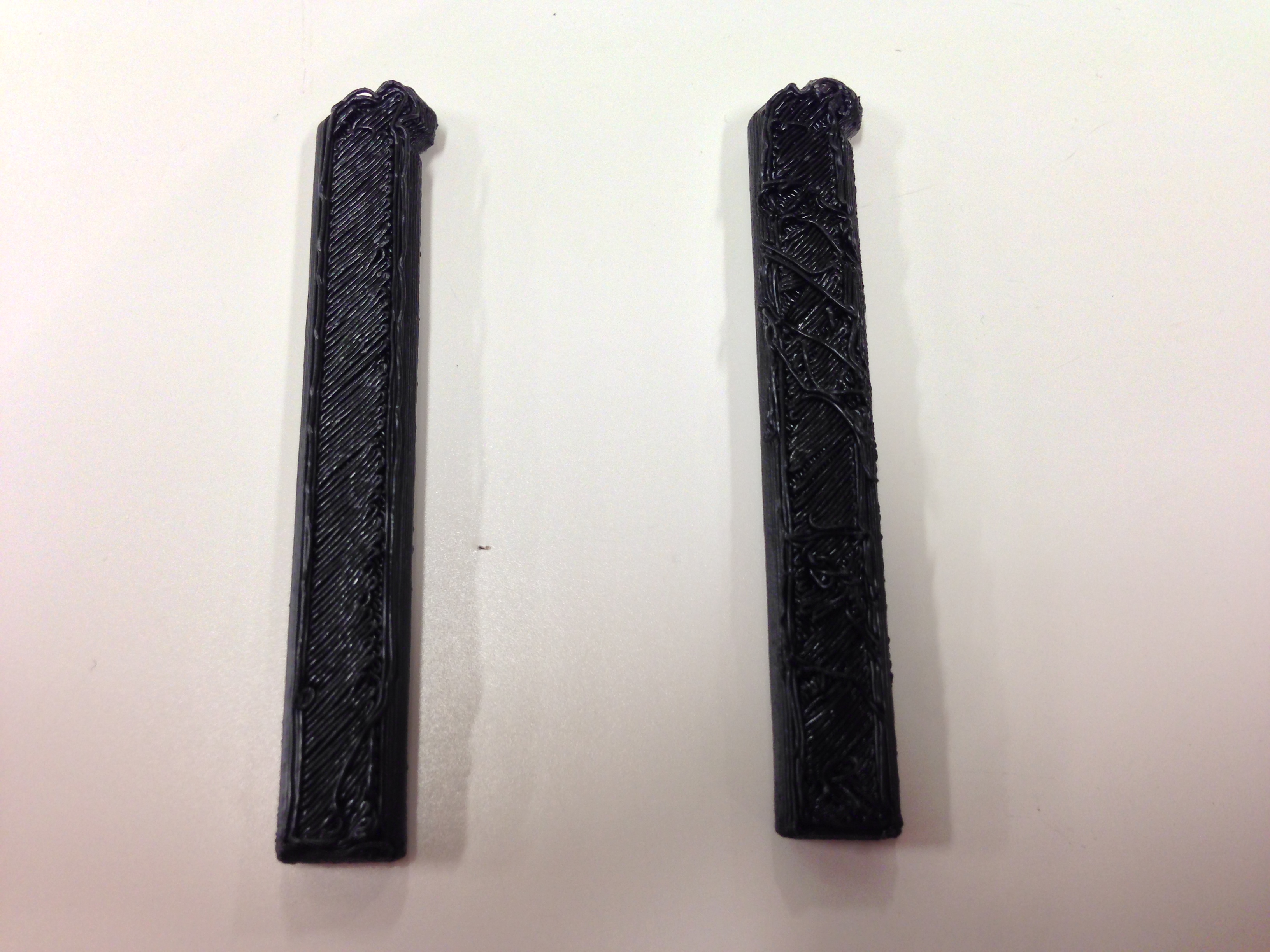
During the safety and basic use class we spent quite a bit of time on how to level the build platform. It seemed like a simple enough procedure, so I didn’t fully understand why we spent so much time on it. The first two pieces of the tripod I printed had a bit of a mess on the first layers above the raft. After going through the leveling procedure a 2nd time, parts came out much (much) cleaner.
Completion
This particular design took 6 prints of 5 pieces to be completed. The total print time was around an hour to an hour and a half. In order to attach to a camera a screw is necessary. On the Thingivere project page, at least one individual has tried printing their own screw. My TechShop is partnered with a Lowe’s, so i went for the pre-made screws.
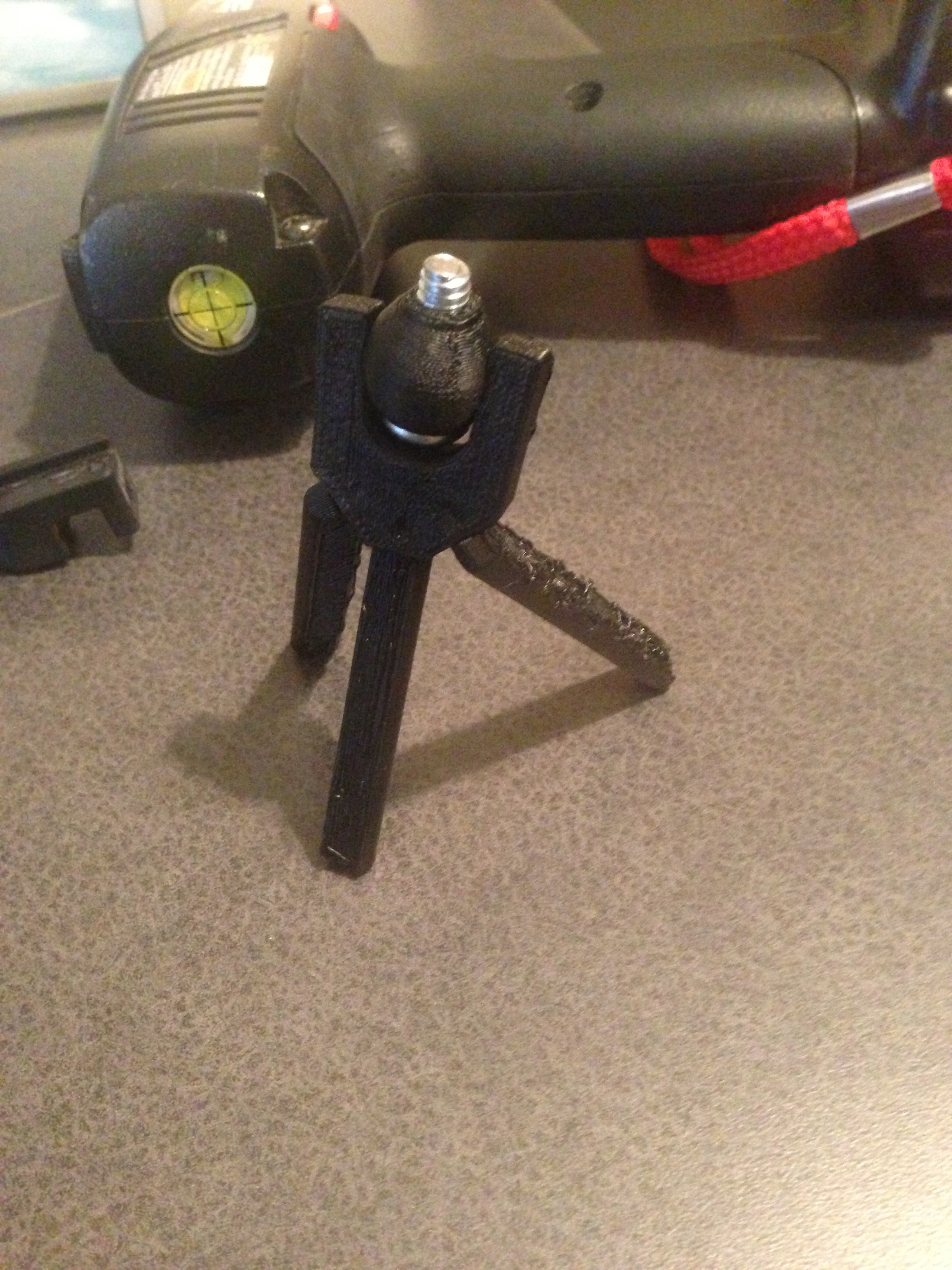
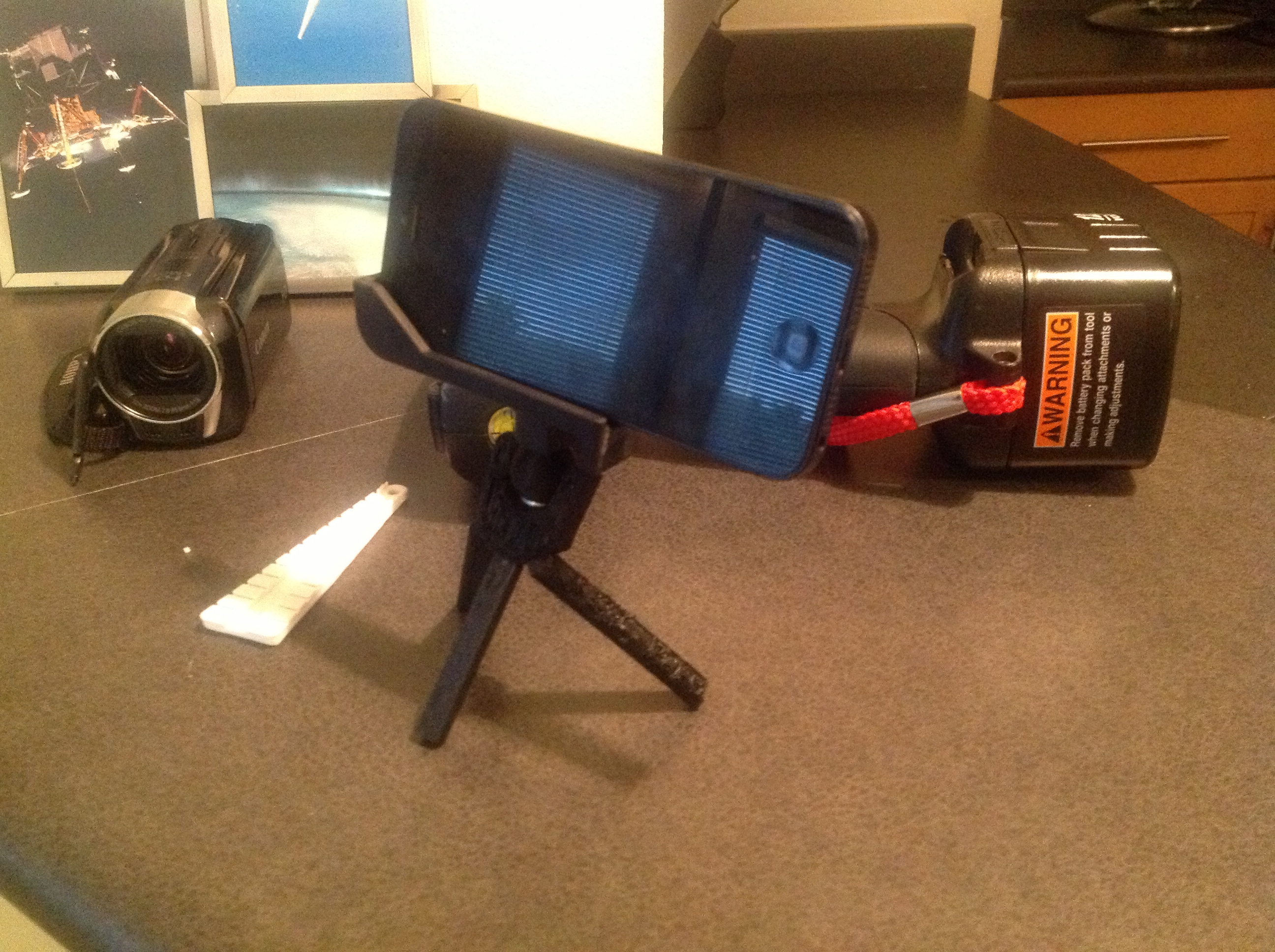
Overall the tripod doesn’t really withstand much weight. However, I think it will work for the couple of times went I want to use my camera to shoot some video or get a clear macro shot of a project.

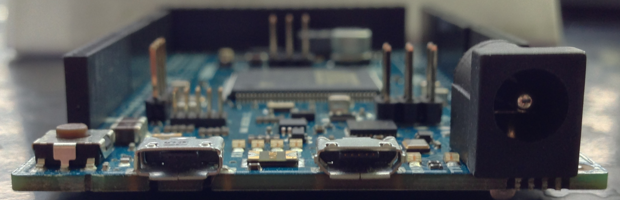
I’ve been working with Arduino boards for a number of years, as shown by the dates on some of my older blog posts. In that time I’ve only used boards based on the ATmega8 (like the Duemilanove or Uno). The Due is the first Arduino board I have used in what I would call the Mega form factor.
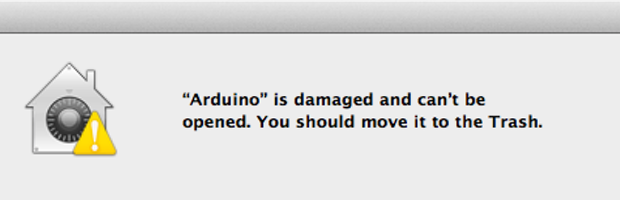
Open source software that isn’t signed by an identified developer can cause headaches upgrading it on OSX. While working with the Arduino Due the first time, I downloaded 1.5 Beta of the Arduino IDE and ran into this error:
“Arduino is damaged and can’t be opened. You should move it to the Trash.
Here’s why you see the “… is damaged and can’t be opened” dialog and how to fix it.

The other night I happened to see a tweet come across my twitter stream from Joe Walnes (@joewalnes) about a resistor color code tool he created. You can find it at the clever domain resisto.rs. Type in a value and see what the proper color code should be. This is great for when you need to go searching through a pile of resistors and want to make sure you have the code right.
Nice job @joewalnes!
Also, you can fork the code from github.

