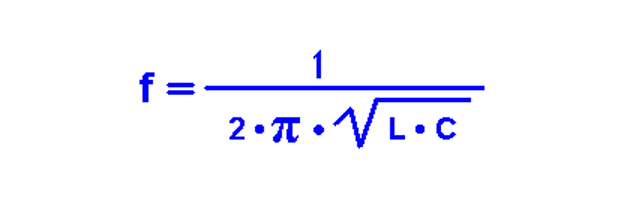
When I was working on BinBoo (A Binary Clock), I decided I was going to create a custom enclosure with a laser cutter. The process took me a couple of iterations. The very first box I had cut didn’t hold together because I didn’t make enough “teeth.” The 2nd box included these and holds together solid.
After all of that work, I was pointed to BoxMaker which makes Laser Cutting a Box very simple. Check out how easy it is with these 4 steps.
Step One: Choose your Options
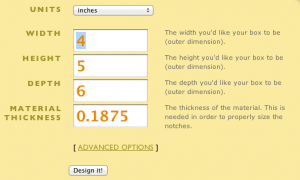

One of the big advantages to using this script is defining the material thickness. For example, BinBoo is stuck with 3mm material because that’s how I designed the notches. I have to re-design from the start to use another type of material.
Step Two: Download the PDF

Step Three: Check out the box
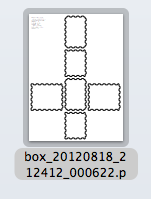

At this point the you can submit the file to a laser cutter or import it into a vector program to make modifications. Simple, eh?
What’s really cool is, the script is open source and can be found here: