Arduino: De-Bounce a Button with micros() or millis()
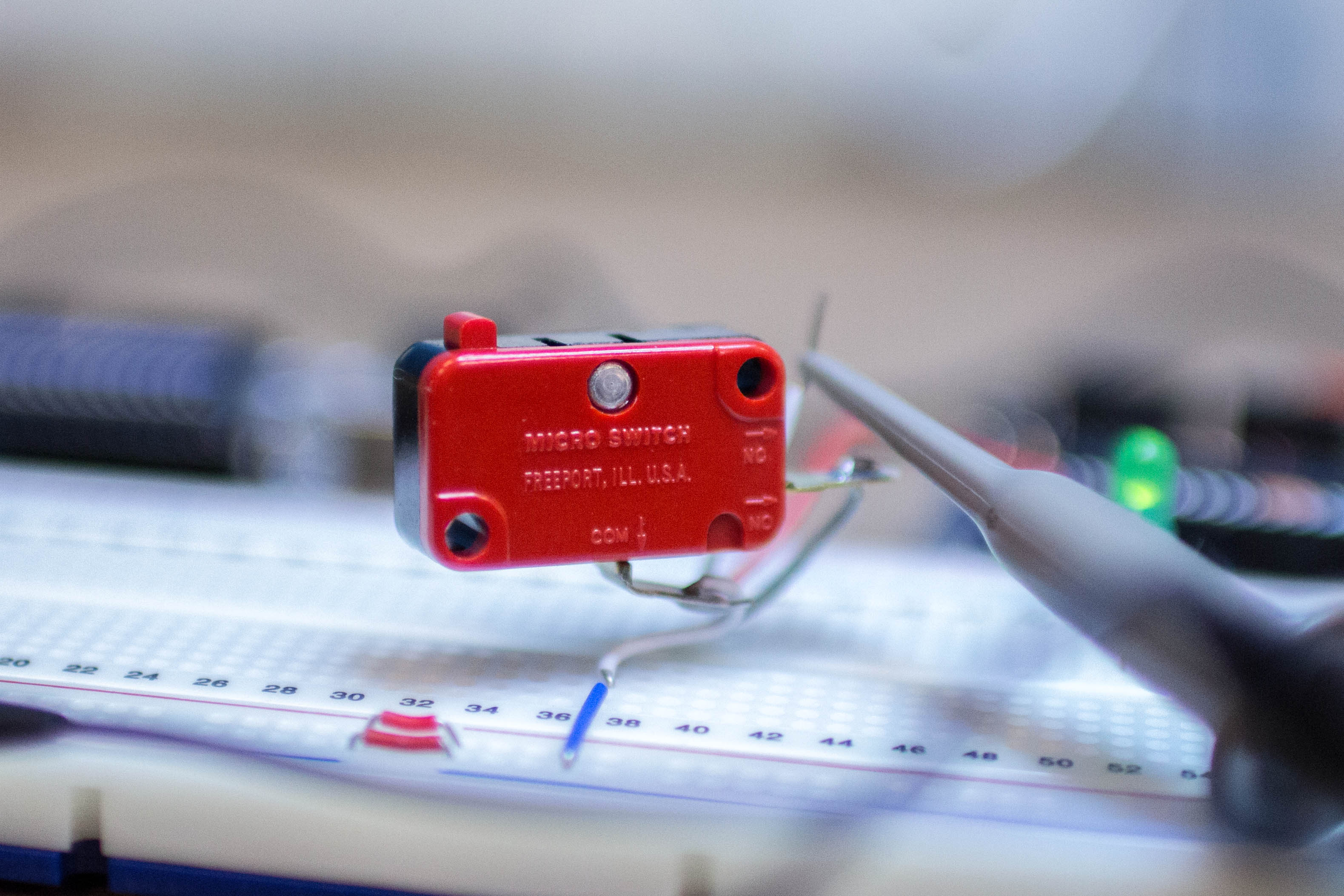
The Arduino is fast, humans are slow. When you push down a button, what seems like a single change to slow humans is really multiple presses to an Arduino. This is known as …
Read More
The Arduino is fast, humans are slow. When you push down a button, what seems like a single change to slow humans is really multiple presses to an Arduino. This is known as …
Read More
When using delay() to flash a LED there is a time for the LED to be on and then off. This makes it easy to have independent control of the “on” and “off” times. The standard blink …
Read MoreYou’ve recently learned about millis() and can’t way to delete all of your references to delay(). The problem is that you don’t know quite how to convert your code into …
Read More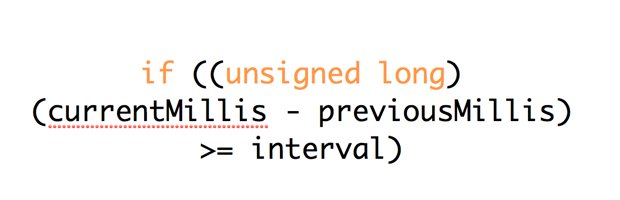
By far one of the most powerful functions of the Arduino library is the millis() counter. It is also one of the most misunderstood functions. Mastering millis() can unlock …
Read MoreBased on a question from Andrew on the initial Multitasking with millis() tutorial, this example shows how to create a Police-Light like strobe effect. The following code uses no …
Read More
The quick answer to “How do you reset millis()” is: You Don’t! And here’s why: if you did, it would potentially break most libraries and functions that rely on it. Generally the …
Read More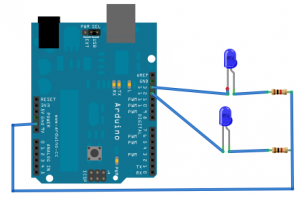
After working through these exercises, check out this article on how to avoid rollover or reset mills(). After learning how to flash a single LED on your Arduino, you are probably …
Read More