The hidden Arduino Macro F() fixes random lock ups
It’s 3am but you are not going to bed until you squash this last bug. You sprinkle Serial.print() statements everywhere you can think of, and then that’s when all hell breaks …
Read More
It’s 3am but you are not going to bed until you squash this last bug. You sprinkle Serial.print() statements everywhere you can think of, and then that’s when all hell breaks …
Read More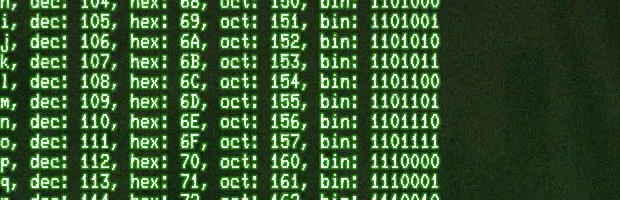
The Arduino IDE includes a “Serial Monitor” which is decent for basic serial communication. However, when you need real time serial interaction or data logging capabilities, that’s …
Read MoreArduino boards have microcontrollers with notoriously small amounts of RAM. The Uno only has 2,048 bytes of static RAM available for your program to store variables. So when you …
Read MoreAll Arduino boards have GPIO pins with digital and analog capabilities. The Arduino pinMode() function determines how the pins will operate. A surprise might be that in some cases …
Read More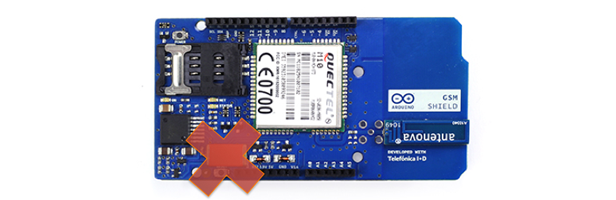
Tantalum is a really misunderstood capacitor. Well, all capacitors are misunderstood, but that’s a subject for another post. I ran across this post on the Arduino forums on the …
Read More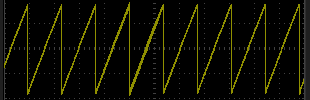
Users of the ATmega328 based Arduino boards will recognize that the analogWrite() function doesn’t actually do anything analog. It just sets the duty cycle of a pulse width …
Read More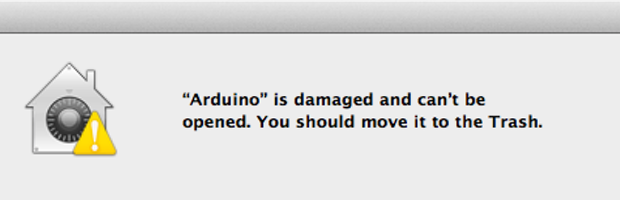
Open source software that isn’t signed by an identified developer can cause headaches upgrading it on OSX. While working with the Arduino Due the first time, I downloaded 1.5 Beta …
Read More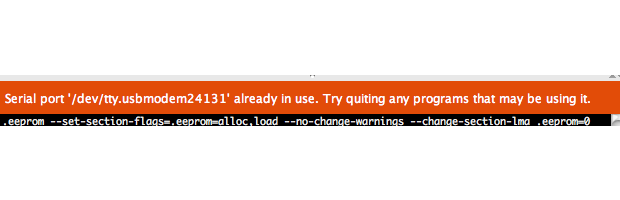
Here’s a couple of quick tips to get around the Arduino IDE error message “Serial Port in Use.” These mostly apply to OSX, but since it is UNIX based, they may make sense for Linux …
Read More
Note: The IRC Channel (along with all of Freenode) got nuked. While the Arduino Project Team provides their official Arduino forums, sometimes real-time help is just a bit better. …
Read More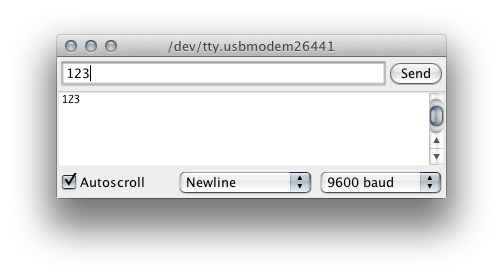
When Serial data is transmitted to an Arduino, it is sent one byte at a time. Even though you might type “123” in the Serial Monitor, that’s not quite what is sent. Instead the …
Read More